Last updated: 2026/04/15 13:01

We were able to create a JavaScript runtime just in two weeks. Without Codex, it would have taken us easily one year." Syrus Akbary Nieto, founder and CEO of Wasmer has been stress testing Codex, assigning complex, long running tasks. "We are actually moving out of the IDE itself. We're not touching as much the code, we're just guiding it where we want it to go." #shotsvideo #codex #openaicodex Learn more: https://openai.com/codex/
"We were able to create a JavaScript runtime just in two weeks. Without Codex, it would have taken us easily one year." Syrus Akbary Nieto, founder and CEO of Wasmer has been stress testing Codex, assigning complex, long running tasks. 🚀 It's been a game changer. "We are actually moving out of the IDE itself. We're not touching as much the code, we're just guiding it where we want it to go." Learn more: https://openai.com/codex/

第 202 回のテーマは 2026 年 4 月の Monthly Ecosystem です。

Builders Unscripted spotlights the stories behind real projects and the mindset that makes them possible: you can just build things. In this episode, Romain Huet, Head of Developer Experience, chats with Ashe Magalhaes, founder of Hearth AI. Ashe talks about moving fast with Codex, finding beauty in tools, and gives a keen look into her agentic personal operating systems that enable her to feel more present, connected, and intentional. Chapters: 00:00 Intro 00:10 Early agents and Hearth AI 05:43 AI and human connection 08:44 Build in public 12:17 Ashe’s agentic workflow

Upload your design inspiration to ChatGPT and find inspiration for similar items. Make shopping easier than ever with our visually immersive shopping experiences.

When GitLab co-founder Sid Sijbrandij was diagnosed with a rare and aggressive cancer, he approached it like an engineering problem. In this conversation, Sid joins geneticist Jacob Stern to share how they used ChatGPT, advanced diagnostics, and real-time research to better understand his tumor and explore personalized treatment options—building a faster feedback loop between patients, doctors, and scientific literature. About OpenAI Forum: The OpenAI Forum is a global community that brings together leaders across industries to share how AI is being used in the real world—what’s working, what we’re learning, and how we can shape its impact together. Learn more: https://forum.openai.com/

“The really cool thing with Codex is that we get to iterate and ideate on feature requests with the customer in real time.” Ankur Goyal, founder & CEO of Braintrust dropped some builder knowledge in our latest episode of What Codex Unlocks. Learn more: https://openai.com/codex/ #Codex #openaicodex #shorts
"The really cool thing with Codex, is that we get to iterate and ideate on feature requests with the customer in real time.” Ankur Goyal, founder & CEO of Braintrust dropped some builder knowledge in our latest episode of What Codex Unlocks. Learn more: https://openai.com/codex/
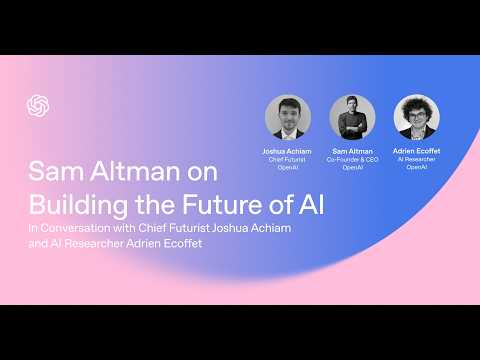
AI is advancing faster than most people realize. In this OpenAI Forum conversation, Sam Altman joins Josh Achiam and Adrien Ecoffet to talk about what’s coming next. They discuss the pace of progress toward more capable AI systems, what these tools could unlock—from scientific breakthroughs to new ways of building companies—and the challenges society needs to prepare for. The conversation also looks at who gets access to AI, how to make sure the benefits are widely shared, and what it will take for institutions and individuals to keep up.

Project Glasswing is a new initiative that brings together Amazon Web Services, Anthropic, Apple, Broadcom, Cisco, CrowdStrike, Google, JPMorganChase, the Linux Foundation, Microsoft, NVIDIA, and Palo Alto Networks in an effort to secure the world’s most critical software. We formed Project Glasswing because of capabilities we’ve observed in a new frontier model trained by Anthropic that we believe could reshape cybersecurity. Claude Mythos Preview is a general-purpose, unreleased frontier model that reveals a stark fact: AI models have reached a level of coding capability where they can surpass all but the most skilled humans at finding and exploiting software vulnerabilities. Read more: https://anthropic.com/glasswing
OpenAI and LG Uplus engineers collaborated to create a next-generation AICC, “Agentic AICC,” which is positioned to become a new standard for enterprise AI customer service. LG Uplus plans to introduce an agent service featuring ultra-low-latency AI customer support built on the OpenAI Realtime API, along with a Planning Agent that can resolve issues on its own using checklist-based workflows. #LGUplus #OpenAI #AICC #AIContactCenter #AgenticAICC #LLM #AgenticCallBot

AI models sometimes act like they have emotions—why? We studied one of our recent models and found that it draws on emotion concepts learned from text to inhabit its role as Claude, the AI assistant. These representations influence its behavior the way emotions might influence a human. And that has real consequences, affecting how Claude answers chats, writes code, and makes decisions. Read more about this research: https://www.anthropic.com/research/emotion-concepts-function
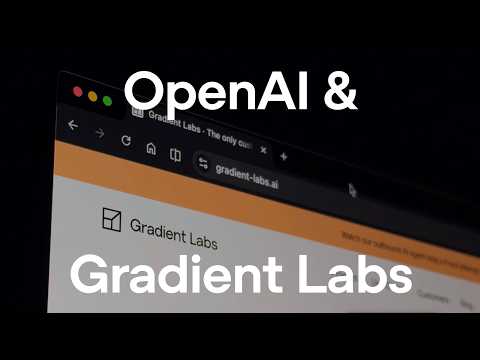
Gradient Labs is giving every bank customer an AI account manager, with CSAT up to 98% and over 50% resolution on day one. In banking support, even simple issues like a declined payment can trigger multiple teams, handoffs, and delays. Gradient Labs replaces that with a single agent that handles the full workflow. Identity checks, card actions, and follow-ups happen in one continuous conversation. Read their full story here: https://lnkd.in/emSndtkx
"Codex code review is industry gold standard." We checked in with Ramp to hear how the AI Dev X team is leveraging Codex to build an AI-driven on-call helper to take the burden off engineers. " Codex with GPT 5.4 is adept at dealing with complexity in a way that would have required a lot mental effort...but Codex handles it like its nothing" Learn more: https://openai.com/codex/

ChatGPT can help you find the perfect gift based on your budget, preferences, and constraints—and surface products that fit. You can browse visually, upload images as inspiration for similar items, and refine results conversationally until you land on the right option.

Upload your design inspiration to ChatGPT and find inspiration for similar items. Make shopping easier than ever with our visually immersive shopping experiences.
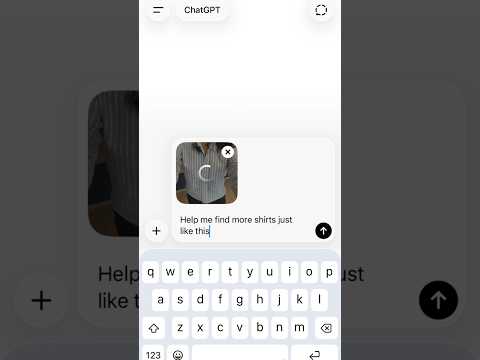


With Codex, Ryan Hendler, a developer at me&u in Melbourne Australia, ships while he sleeps and does work that wasn’t possible 6 months ago. So Ryan, what has Codex unlocked for you? “It unlocks my afternoons. I can spend time with my team discussing product, meeting with customers, being more hands on.” More: https://openai.com/codex/ #shorts #openaicodex #coding #startup #melbourne
With Codex, Ryan Hendler, a developer at me&u in Melbourne Australia, ships while he sleeps and does work that wasn’t possible 6 months ago. So Ryan, what has Codex unlocked for you? “It unlocks my afternoons. I can spend time with my team discussing product, meeting with customers, being more hands on.” More: https://openai.com/codex/
The Amazon AI coding outage reignited a debate the industry can't ignore: is this an AI failure or a process failure, and does that distinction even matter anymore? Paige, Jack, Paul, and Noel dig into vibe coding culture, the engineer retention crisis, and the rise of harness engineering as a discipline in this month's panel. They also tackle autonomous agents running while you sleep, zero-touch engineering, what a senior engineer even means now, and whether open source can survive the agentic era.
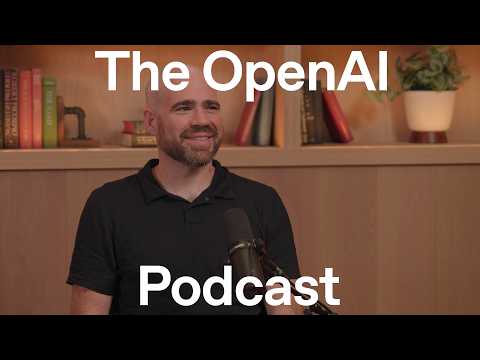
The more AI can do, the more we need to ask what it should and shouldn’t do. In this episode, OpenAI researcher Jason Wolfe joins host Andrew Mayne to talk about the Model Spec, the public framework that defines intended model behavior. They discuss how the Model Spec works in practice, including how the chain of command handles conflicts between instructions, and how OpenAI evolves it based on feedback, real-world use, and new model capabilities. More on our approach to the Model Spec: https://openai.com/index/our-approach-to-the-model-spec/ Chapters 00:00 Introduction 01:10 What is the Model Spec? 03:55 How does the Model Spec work in practice? 06:26 Transparency: Where to read the Model Spec & give feedback 07:51 How did the Model Spec originate? 10:02 How does the spec translate into model behavior? 11:26 What is the hierarchy / chain of command? 13:35 Handling edge cases like Santa Claus 17:41 How does the Model Spec evolve over time? 19:59 What happens when models disagree with the spec? 22:05 How do smaller models follow the spec? 23:16 Is chain-of-thought useful for alignment? 24:16 Model Spec vs Anthropic’s Constitution 26:28 What surprised you most? 26:56 How do you define the scope of the spec? 27:44 What is the future of the Model Spec? 31:16 How should developers think about the spec? 34:44 Asimov’s laws vs Model Spec 37:16 Could AI write a Human Spec?

Hey Ryan Nystrom (Notion), what has Codex unlocked for you? “The fact that I can build this feature solo while still supporting my team is crazy.” Ryan built Notion AI Voice Input in one shot, while managing a team. More: https://openai.com/codex/ #shorts #shortvideo #openaicodex #notion
Hey Ryan Nystrom @ Notion, what has Codex unlocked for you? “The fact that I can build this feature solo while still supporting my team is crazy.” Ryan built Notion AI Voice Input in one shot, while managing a team, blindfolded. Maybe not blindfolded, but the rest is true. More: https://openai.com/codex/

Shopping in ChatGPT just got an upgrade. Now, you can browse products visually, compare options side-by-side, and get detailed, up-to-date information—all in one place. This builds on what ChatGPT does best: helping you figure out what to buy. Under the hood, we’re improving speed, relevance, and product coverage—so results are more up-to-date and more useful. That means less searching, fewer tabs, and faster decisions. To power this, we’re expanding the Agentic Commerce Protocol (ACP) to support product discovery—bringing more complete, relevant, and up-to-date information directly into ChatGPT. For merchants, using ACP means their catalog is represented with the freshest data possible—improving how products show up, how they rank, and how well they convert. These updates are rolling out to all ChatGPT free, Go, Plus, and Pro users this week, with more to come as we continue to invest in product discovery with ChatGPT. https://openai.com/index/powering-product-discovery-in-chatgpt/

Millions of people use ChatGPT daily to build the things that matter to them. For many home based business women, the gap between a hobby and a business can feel overwhelming. By helping with business planning, marketing strategies, and creative solutioning - ChatGPT supports the small, daily steps that help her bring her handmade sweets to a wider audience. Music : “Koi Ladki Mujhe Kal Raat" [Saregama Music] Credits Director : Bharat Sikka DOP : Kyrztof Trojnar Production House : Ransom film

Identifying a gap in the market was the first step - building a business to fill it was the challenge. To navigate the complexities of manufacturing and distribution, ChatGPT helps break down the roadmap of a new venture. From sourcing materials to planning for scale, it supports the daily decisions that bridge the gap between a better solution and the people who need it. Music : "Mere Sapnon Ki Rani" [Saregama Music] Credits Director : Bharat Sikka DOP : Kyrztof Trojnar Production House : Ransom film
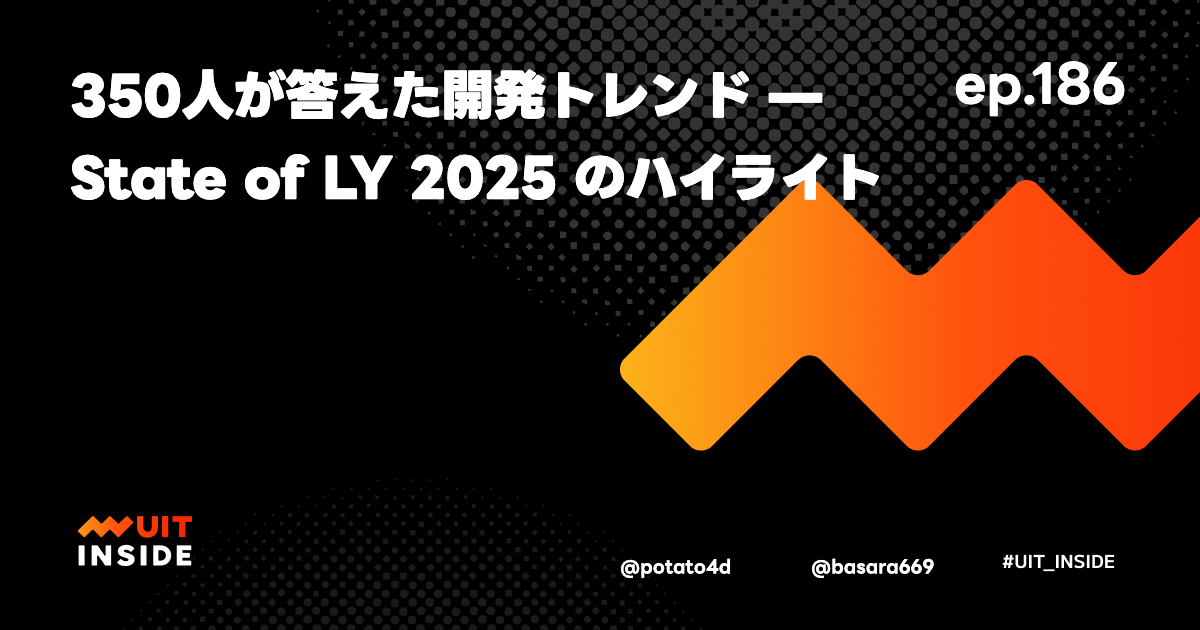
@potato4d が、@basara669 と一緒に State of LY 2025 について語りました。 State of LY 2025 LINEヤフー社内で毎年実施しているフロントエンドサーベイ「State of LY」の2025年版。昨年から規模を拡大し、フロントエンドだけでなくバックエンド・iOS・Androidまでカバーする形で実施。回答者数は約350人。 公式レポート: 近日公開! 注目トピック AI・Vibe コーディングの浸透 2024年版では AI 関連の質問が1問のみだったのに対し、2025年版では6問に拡大。特に Vibe コーディングの浸透率が顕著で、回答者の半数以上が業務の半分以上を Vibe コーディングで行っていると回答。約15%はほぼ Vibe コーディングのみという結果に。一方、「まったくしたことがない」「ほぼしない」という層も3割近く存在し、普及余地が可視化された。 AIの情報源については社内 Slack チャンネルが最多という結果で、社内の情報共有文化の活発さが裏付けられた形に。 フレームワーク・スタイリングの傾向 旧 LINE では Vue.js 文化が強かったが、旧 YJ では React 文化があり、現在は全体トレンドとして React がシェア上位に。スタイリングは回答が分散しており、社内での指針・ドキュメントの整備が今後の課題として浮かび上がった。 サーベイ実施の裏側 もともと YJ 側でも実施したかった企画。合併を機に旧 LINE のサーベイ文化を組み合わせて始動。設計の動機は「デザインシステムの技術選定に根拠を持ちたい」「外部登壇時に自社技術を答えられるようにしたい」という実利的なニーズ。現在は新人研修の技術選定にも活用されている。 ゲスト紹介 @basara669(森本さん) LINEヤフー ローカルUGC SBU 新UGC開発ユニット所属、知恵袋担当プロダクトリード ウェブ技術教育ワーキンググループ リード State of LY 2025 主担当 関連リンク State of LY 2025 テックブログ: 近日公開! State of LY 2024 テックブログ: https://techblog.lycorp.co.jp/ja/20250210a UIT INSIDE ep.168 (State of LY 2024 回): https://uit-inside.linecorp.com/episodes/168
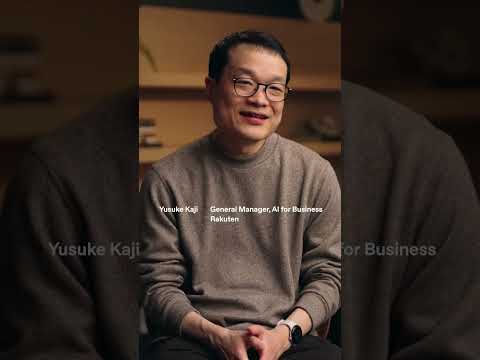
Yusuke Kaji, GM of AI for Business at Rakuten, shares how Codex is enabling his team. Check out the full video: https://www.youtube.com/watch?v=gZQQR_tDGuM
第 200 回のテーマは 2026 年 3 月の Monthly Ecosystem です。
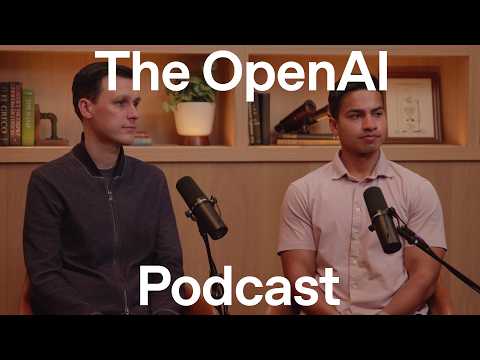
Healthcare systems around the world are under strain, and both patients and clinicians are feeling the impact. OpenAI's Head of Health Dr. Nate Gross and Karan Singhal, who leads Health AI Research, discuss how AI can help address the biggest challenges. They cover how OpenAI is training models to handle sensitive health questions in collaboration with physicians, and how that foundation is unlocking a new generation of tools for patients, clinicians, and healthcare systems. Chapters: 00:00:38 – Origins of Nate and Karan’s interest in AI and healthcare 00:05:01 – Strategy for building AI tools for clinicians 00:06:57 – How AI models are trained for health use cases 00:10:15 – How OpenAI is able to score well on health evals 00:14:21 – Key challenges deploying AI in healthcare 00:21:05 – Collaboration with hospitals and healthcare systems 00:23:05 – Practical everyday uses of AI health assistants 00:26:43 – Biggest “wow” moment during development 00:28:46 – Feedback from clinicians and early users

この記事では、リモートコーディングエージェントについて解説しています。リモートコーディングエージェントとは何か、なぜそれが必要なのか、そしてCursor CloudやClaude Code、古いラップトップなど、さまざまな方法でそれらを実行する方法について説明しています。具体的な使用例として、ウェブサイトのデータ処理、リサーチアシスタント、旅行エージェントなどが挙げられています。また、リモートエージェントがどこでどのように動作するか、CLIやユーザーインターフェース、リモート開発環境の設定、APIキーの管理についても触れています。最後に、DIYエージェントやカスタムソリューションの作成についても言及されています。 • リモートコーディングエージェントの定義と必要性 • 具体的な使用例(データ処理、リサーチアシスタント、旅行エージェント) • リモートエージェントの実行環境と方法 • CLIやユーザーインターフェースの種類 • リモート開発環境の設定方法 • APIキーの管理とアクセス方法 • DIYエージェントやカスタムソリューションの作成方法