

Hand-writing/maintaining a sizes attribute is just not going to happen. This is the way.

If you have any shared styles across multiple shadow DOMs (imagine 20 custom button components), a Constructable Stylesheets is just way more efficient.

A radio button is this: Paul Hebert took at fair look at how Shadcn turns that into 45 lines of code and three imports, which in turn uses Radix which is 215 lines of code and 7 more imports. But do you get better accessibility? No, it’s arguably worse. But do you get ease of […]
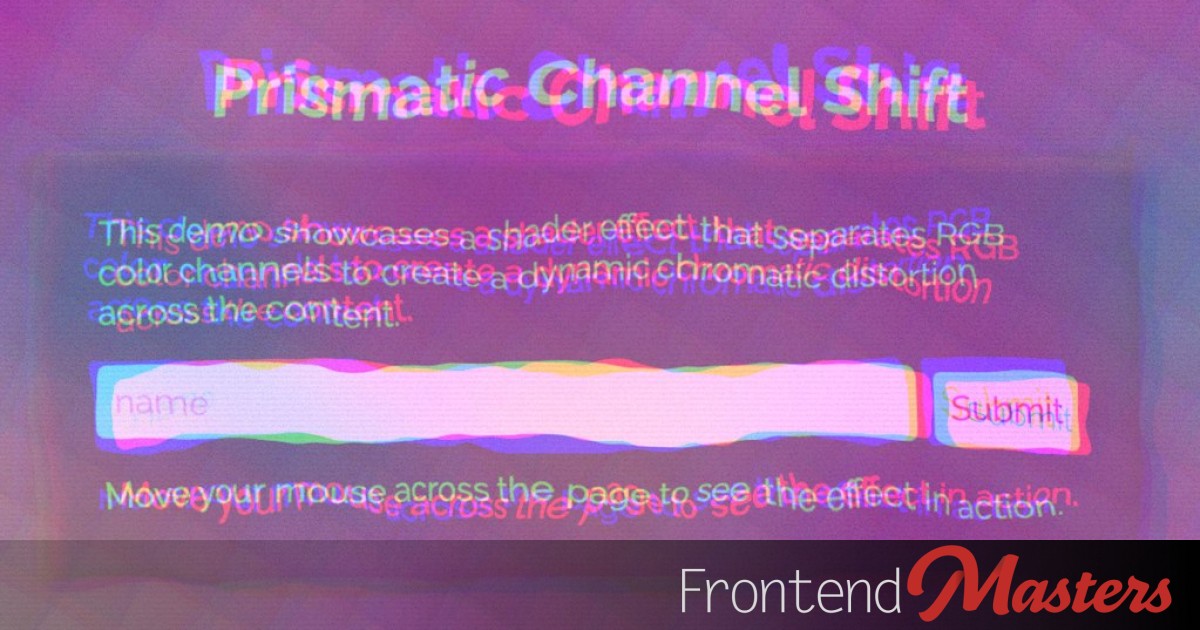
An experimental API let's us put HTML within those opening and closing canvas tags and render it to the canvas, while remaining interactive. Lots of possibility here!

A blog is a perfect use case for pre-rendering, so that the static build files can render all on their own. TanStack Start can even help with the server functions via middleware.

A site building framework like TanStack Start can be used to make a server-side rendered blog, no problemo.

This article covers a layout approach that better fits the modern web: fluid, intrinsic components that adapt by default, and treat conditional rules as local, intentional exceptions.

The conversation about AI and coding work is full of highs. These models are incredible! I’m so productive. I’m not blocked by a lack of knowledge in certain areas like I used to get. I’m making projects I never would have gotten around to making. I’m having fun with code for the first time in […]

It doesn't mean you can't get AI to help with accessible code, you've just got to know what you're doing.
It's fine. I'm fine. I just like learning ok.

Let's take a look at what SVG filters are and the basics of how they work.

Keith Cirkel has been building some interesting and educational web games lately:

If we give a `container-name` to the root of all our unique components, we can scope styles to them with a simple @container query.

We can make puzzle pieces in CSS thanks to the amazing clip-path: shape(). Here, Amit takes it further by making a whole grid of them with matched edges and content inside.

An overview of what's new in language features, frameworks, runtimes, build tools, testing, and more.

There is a category of apps that help record short-form videos, mostly screencasts. For those of you who work on products that you need to showcase/teach people how to use, video can be super effective. Here’s a list of the ones I’ve seen for reference: I’ve been trying them out for videos like this, but […]
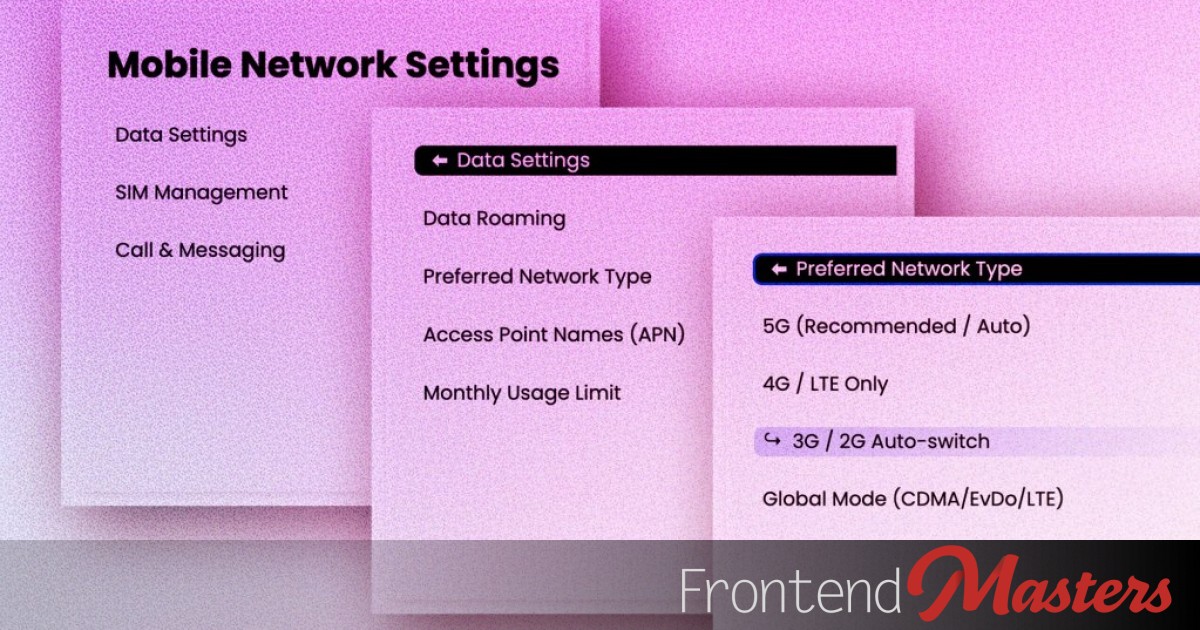
Even if you nest details elements, you can ensure only one level of them is open at a time, making a menu you can drill down (and up!) from.

A look at an example task an interviewer might give you and all the details of how you could approach and and what they are watching for.

You don't necessarily have to do focus handling yourself with shadow DOM web components. For simple wrapper components, there is an easier (and better) way.

Drawing an line with arrows pointing to the center of two arbitrary elements measuring and displaying the distance between them doesn't seem like it would be possible in CSS alone... but...

Josh Tumath: Have you ever noticed that when you increase the system text size in your iOS or Android phone’s accessibility settings, the text gets bigger everywhere except on the web? On Safari and Chrome, it makes absolutely no difference. New thing: <meta name=text-scale> This isn’t page zoom, which scales everything, it’s just respects the […]

An image gallery is a nice example of AIM, where the larger version of an image can
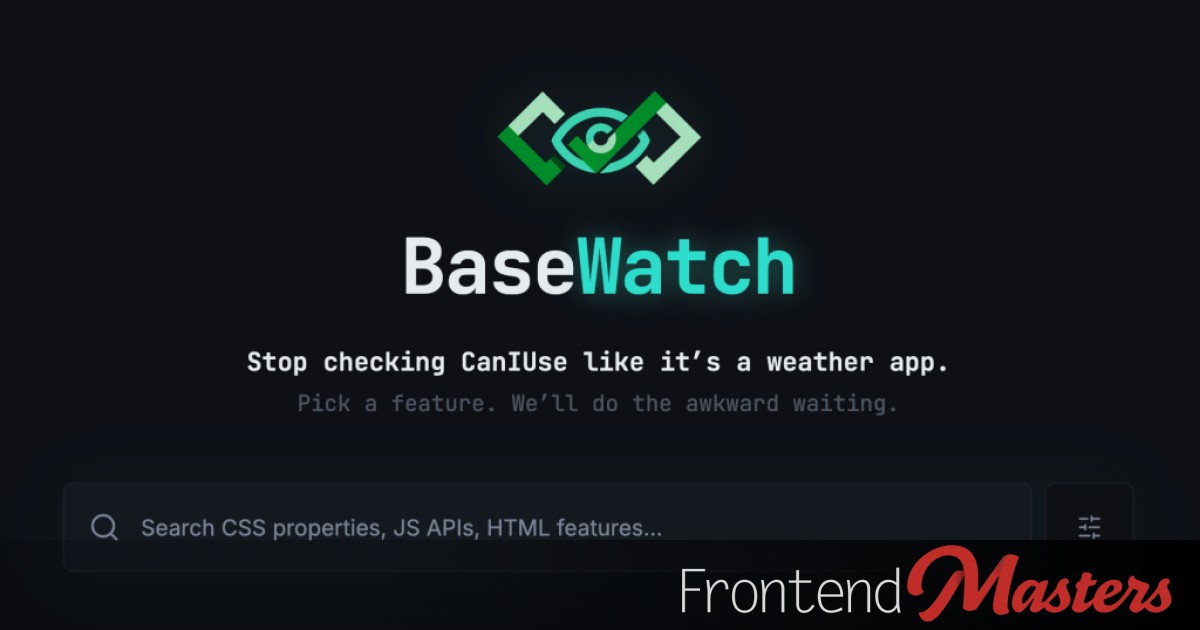
There is so much new web technology happening all the time, it is definitely not your fault if you feel like you can’t keep up with it. Big thumbs up to the new service BaseWatch, which will let you know when web technologies you care about become widely available, and thus potentially close enough to […]

Flexbox has a very specific algorithm for determining how to deal with remaining (or lack of) space in a row. Let's use actual math to understand it then apply it to a masonry layout.

Node.js is the default, but should it be? Bun and Deno have come a long way in compatibility and there are reasons that can make them better choices depending on the project.

Just two short long years ago, I wrote an article here called Document Collaboration (with Comments!). As a long-time blogger who helps others with their articles too, I’ve played with lots of tools to help with this flow. I put some options in that post, but none are perfect. The big names come with baggage […]

When you make a Web Component for a form element, you've got a bit of extra work to do to make sure they participate on the form in expected ways.

The new .setHTML() method in JavaScript, part of the Sanitizer API, can be a one-to-one replacement for .innerHTML(), making sites more secure from XSS attacks. I think that’s pitch-perfect feature branding from Mozilla on this: Goodbye innerHTML, Hello setHTML: Stronger XSS Protection in Firefox 148. Listen to Frederik Braun go deep into this on ShopTalk […]

It's a strange situation where some CSS is disallowed, some is allowed but breaks the button, and some is capped.
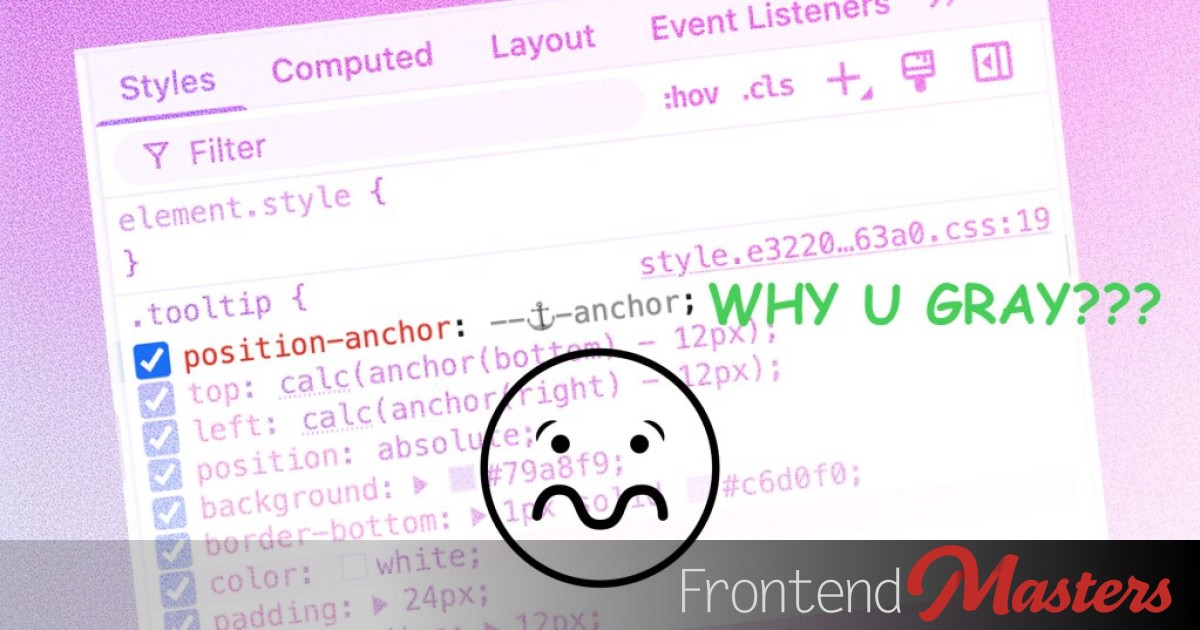
As it stands, you have to think about the layout engine and whether an element is

A Brief History of JavaScript from the Deno team, celebrating JavaScript being 30 now. Interesting that the first web request tech was Internet Explorer 5 in 1999, then it took 5 years to get Gmail in 2004, then we started calling it AJAX in 2005, and by 2006, we got jQuery’s $.ajax which made it […]

A framework-agnostic component library, designed to be styled. It can be done.

We can take a value set in an HTML attribute and use it in CSS, even extracting each individual digit in order to animate separately.

Loren Stewart built the same (kanban) app 10 times and wrote about it, trying to figure out which JavaScript framework is best for his team. The focus is on mobile web performance. The implementations were reviewed by others. Here’s my own summary of his summary:

A list of items with thumbnails that flip into place as needed. Can we ditch the JavaScript?

From Nicholas C. Zakas’s regularly interesting newsletter: The best way to work with legacy code is to approach it patiently—understand small parts, write tests, and document what you learn. My favorite line about legacy code, which I’ve probably shared too much, is when David Khourshid called it “Legendary Code”. Legacy code feels a smidge mean […]

Some solid advice from a couple of Frontend Masters courses made for a fast, secure, and ready to scale deployment system.

You can capture scrolling events and do your own work with the information in them. It can do cool things, but you've got work to do.
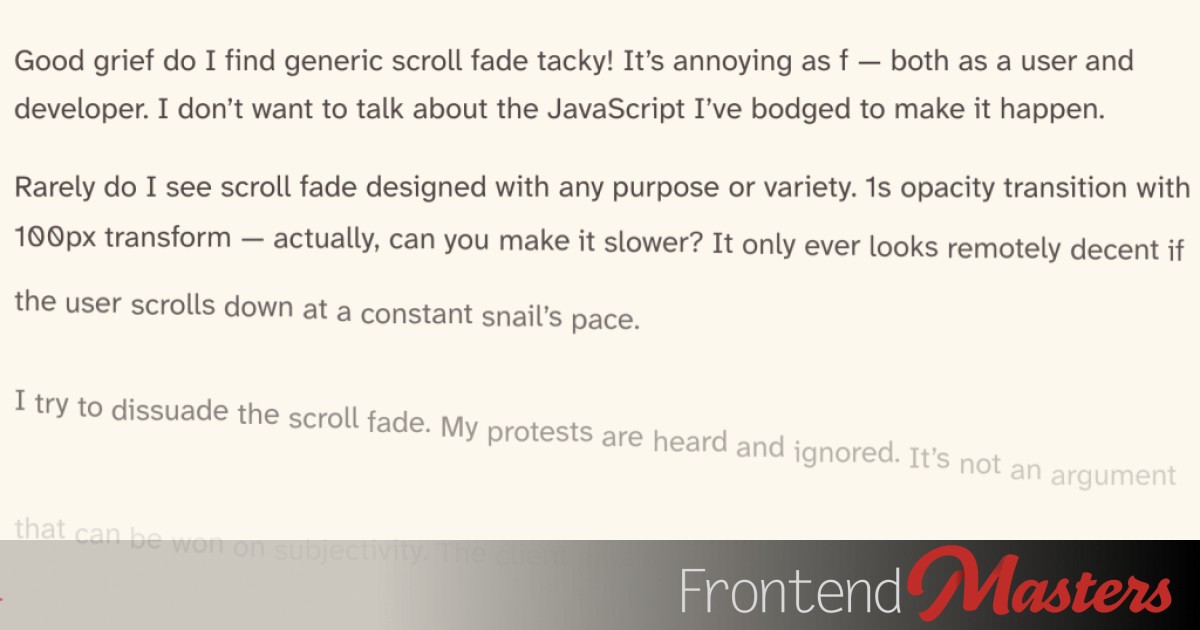
David Bushell is very sick of the “scroll fade” effect. It’s the effect where, as you scroll down a page, elements slide into place. Often, all the elements. I agree it’s overplayed since it’s usually movement for the sake of it, not adding anything to the experience. It’s true that movement catches our eye, but […]

The more effort you put in to what you put in, the higher quality you're going to get out.

Safari has support for <input type=

Turns out `anchor-scope` is pretty darn useful for button/menu setups that will appear multiple times on the same page.

All the big browser makers (and Igalia, a major contributor) dropped their timed blog posts announcing Interop 2026. I’ll link to Apple’s because I like how they used column-width on the feature list and I’m stealing that (in case you see this post directly). I’m a fan of all of it but of course I’m […]

Generics, combined with conditional types can make for an incredibly powerful combination. When you look at things the right way, you can ask very useful questions about your types that allow you to build the precise API you want.

The GOAT JavaScript library jQuery has gone 4.0 coinciding with, from what I hear, was a lovely reunion party. It’s not wildly different, but it’s gone full ESM and dropped a bunch of old stuff. Minified and gzipped it’s 27.6 kB. Version 3.7.1, the last before this release, was 30.5 kB — so it’s nice […]

What can we say except BOINNNGGG BOINNGGGGGG.

I ran across this website Very Good Components the other day and thought it was a neat idea to have a design gallery that wasn’t whole websites but individual components. They actually went a bit further and have configurable code for them. Here’s a Glowing Gradient Divider. I decided to remake it as an <hr> […]

You might need to know this someday: you can style a div, put the div into SVG, then put the SVG in to CSS and use it as a repeating background.

To avoid page loading jank, there are things we can do to avoid content from shifting around, even if repainting is still necessary.
You can style anything you want on the entire page when any given details element is open or closed.
My go-to local app image optimizer has long been ImageOptim. It’s Mac-only (and free), but they suggest alternatives for other platforms. I reach for ImageOptim usually when I want to optimize a whole bunch of images in a batch. For one-offs, you can’t do much better than Squoosh, a great progressive web app (PWA). I […]

Putting a YouTube video inside a closed details element means it won't load until that details element is opened. We can use that.
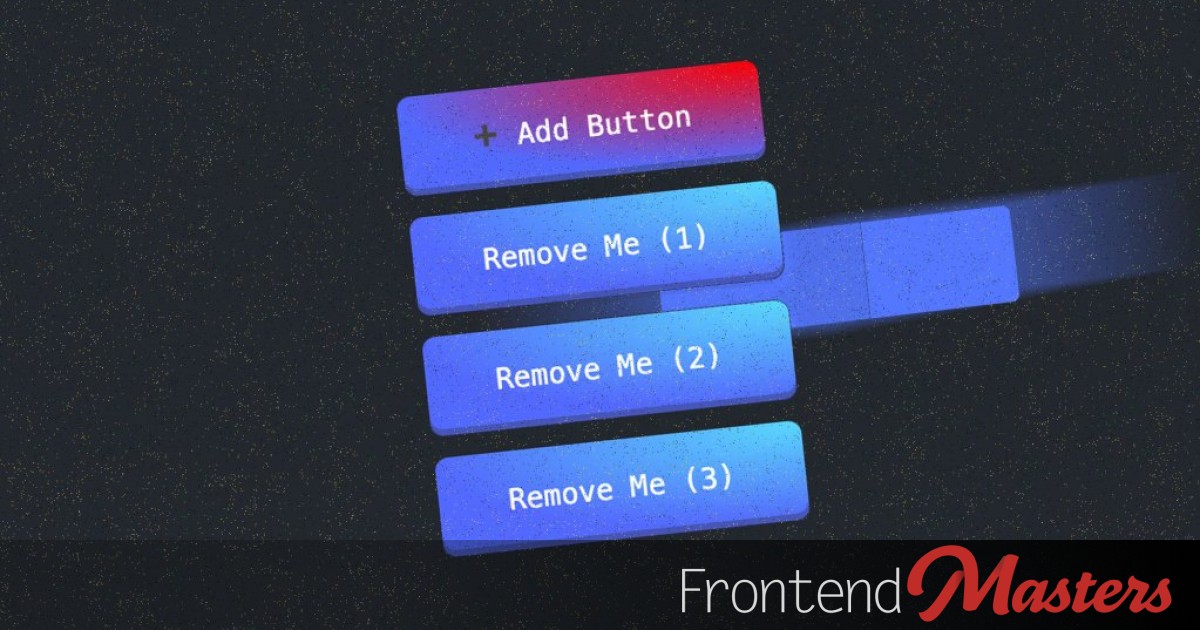
The Canary version of React has a special component for ViewTransitions. Does it help?

>

This post introduces a middleware approach that allows efficient data refetching. The middleware enables the attachment of query keys and server functions, enhancing scalability and flexibility.

I feel like “streaming” will be more and more of a concept in 2026. We can stream HTML, but rarely do. With AI APIs these days, we’re seeing streaming much more commonly. We want to see that LLM kick out an answer word-by-word, as the perceived performance is better that way. What about a JSON […]

> ... we need to be honest about what's happening: the infrastructure that powers modern software development is under financial strain, even as usage reaches all-time highs.

What if we could mutate data *and* get all the data back we need to properly update the UI in just one network round-trip?

Firefox 147 just came out, and the flagship developer feature is clearly anchor positioning support, bringing that “to the baseline” as we’re supposed to say these days. That rules, but I’m also very hyped about CSS module scripts. Remember, they are a way of importing a stylesheet in JavaScript, that is, the only decent way […]

Can you keep a video playing as a view transitions happens? Yes and no. Mostly yes.

Matheus Lima on what makes you senior: But if you strip away the title, the salary, and the years of experience, there’s one core skill that separates senior+ engineers from everyone else: reducing ambiguity. Everything else flows from that.

I can easily imagine a job interview question being “What’s the difference between TypeScript and Zod and in what circumstances do you need each?” They are both type validation libraries. Would you ever need both? The short answer is that TypeScript is great but can’t help you at runtime, where you might get data from […]
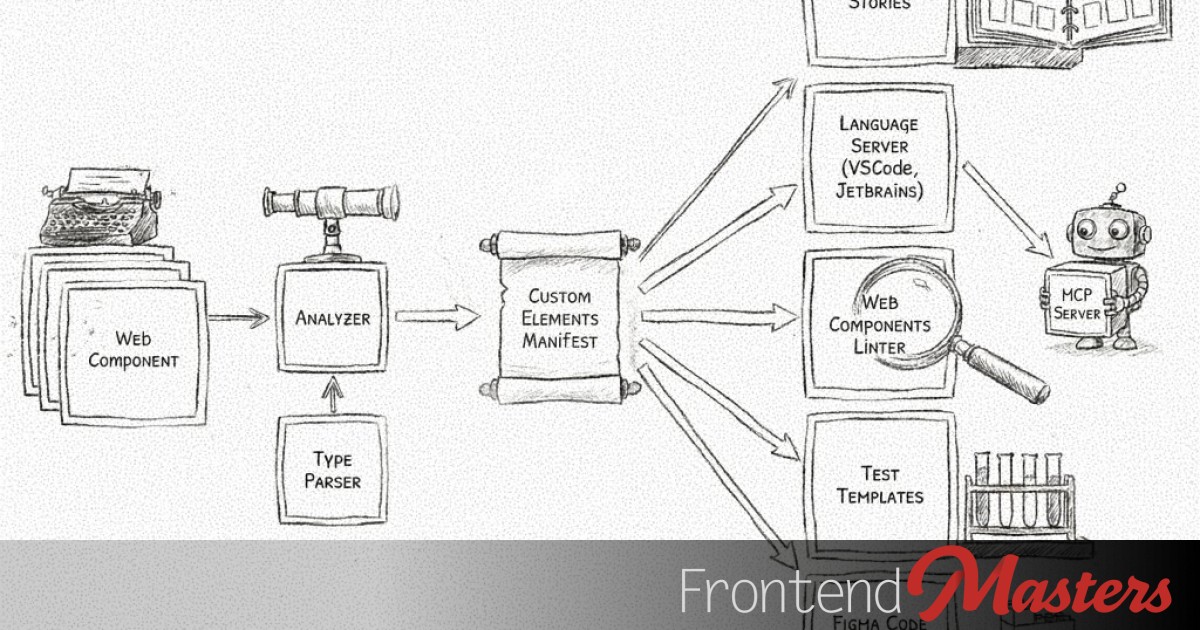
If your project uses web components of your own making, you could be auto-generating a Custom Elements Manifest that can be ultra-helpful, like powering a VS Code language server.

Holy cow there are a lot of JavaScript engines. These are the big ones like V8 that Chrome uses or JavaScriptCore that Safari uses, but also purposefully lightweight engines like QuickJS for “embedding”. (I’m also just realizing that domains like this, zoo.js.org, anybody can have because js.org is literally for JavaScript-based projects and you can […]
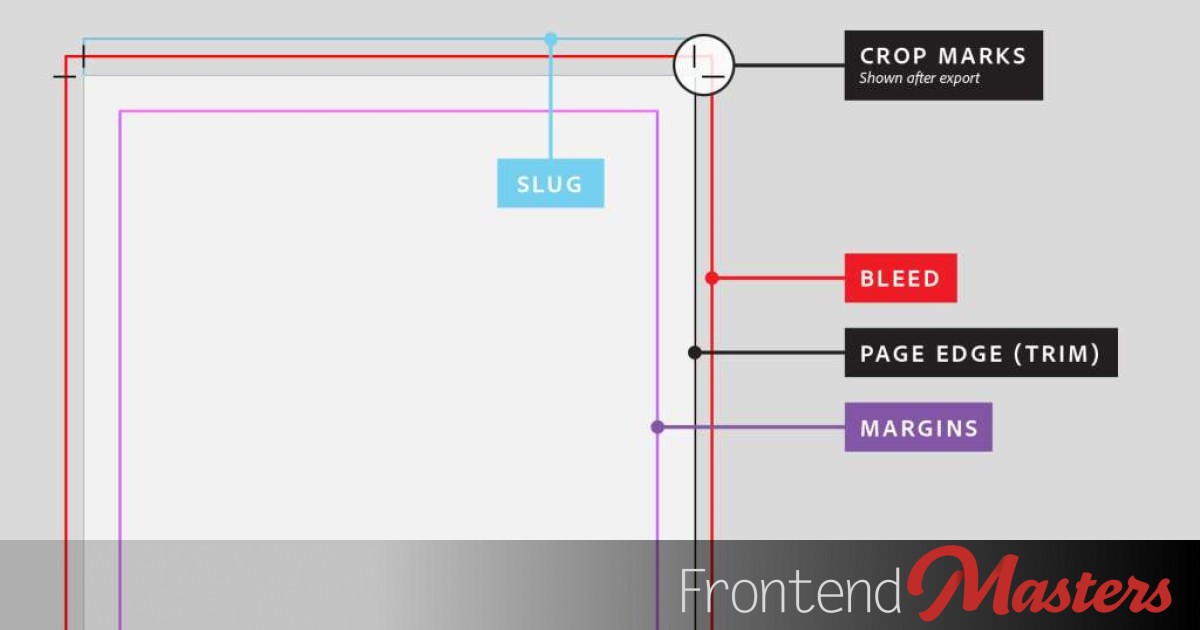
Crop marks are an idea that comes from the print design world. Design in the bleed area will be cut away by giant cutter machines, and that bleed area is designated by the crop marks. We can do it on the web too, just for kicks.

Huh. Today I learned (from Alex MacArthur): you can access the current <script> element from a script (if it’s not type=

Mousing over an element and watching it tilt in 3D space is a beautiful and compelling effect. Let's bring it to mobile and use the phone itself rather than a cursor.
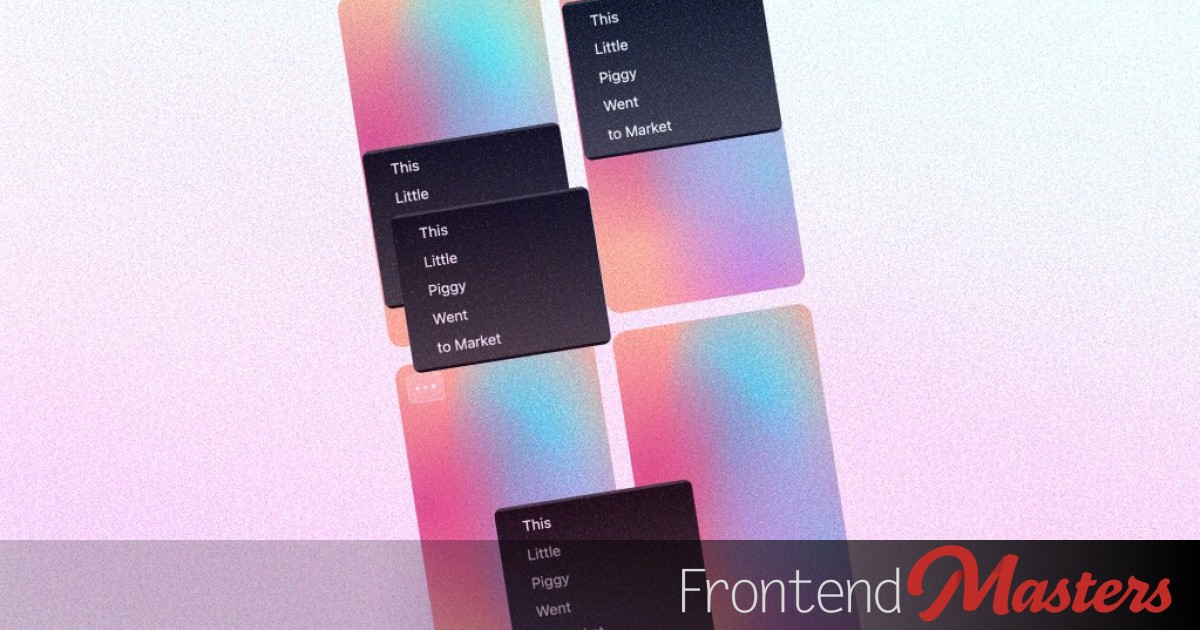
A context menu is like a tooltip in that it opens right next to the the thing that opened it. Here, we animate the opening and ensure it opens somewhere where it doesn't get cut off.

Matt Smith: React Hooks have been around for years, but most codebases still use them the same way: a bit of useState, an overworked useEffect, and a lot of patterns that get copy-pasted without much thought. […]

Despite some not-great recent news about security vulnerabilities, React Server Components (RSCs) are likely in pretty high volume use around the internet thanks to default usage within Next.js, perhaps without users even really knowing it. I enjoyed Nadia Makarevich’s performance-focuced look at them in Bundle Size Investigation: A Step-by-Step Guide to Shrinking Your JavaScript. The […]

There is a way to declare a scope on a specific selector, a specific selector *down to* another selector, or with no

Bruce Lawson: I was excited to see that the proposed new Web Install API has entered Origin Trial in Chromium. It kind of works in Chromium Canary, but is most complete in Microsoft Edge beta […] The reason I was excited is because I read the Web install API explainer when it was announced a few months ago: The […]
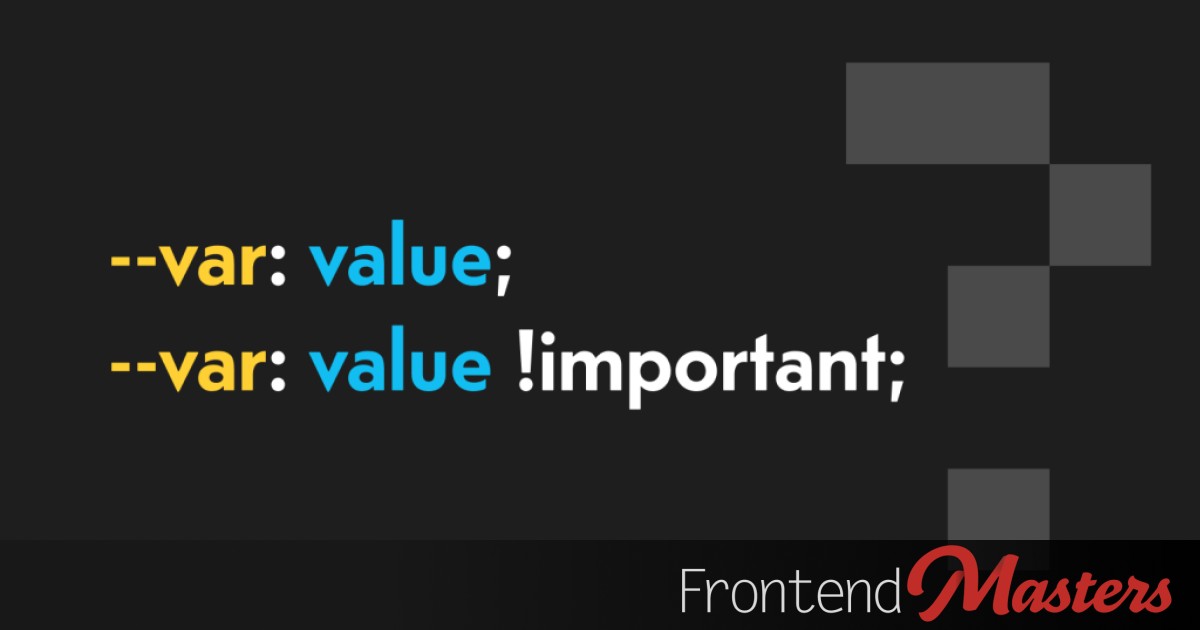
The `!important` part doesn't become part of the value, the whole declaration is treated as !important;

Bramus wrote this almost a year ago, but I’d still call it a relatively new feature of JavaScript and one very worth knowing about. With Node.prototype.moveBefore you can move elements around a DOM tree, without resetting the element’s state. You don’t need it to maintain event listeners, but, as Bramus notes, it’ll keep an iframe loaded, animations […]

You can use a smaller part of Lit to build web web components that still take advantage of some of it's best features, particularly if you're cool with Light DOM.

Fixed and sticky positioning behave very differently, but we can switch between the two at exact points for some unusual looking effects.
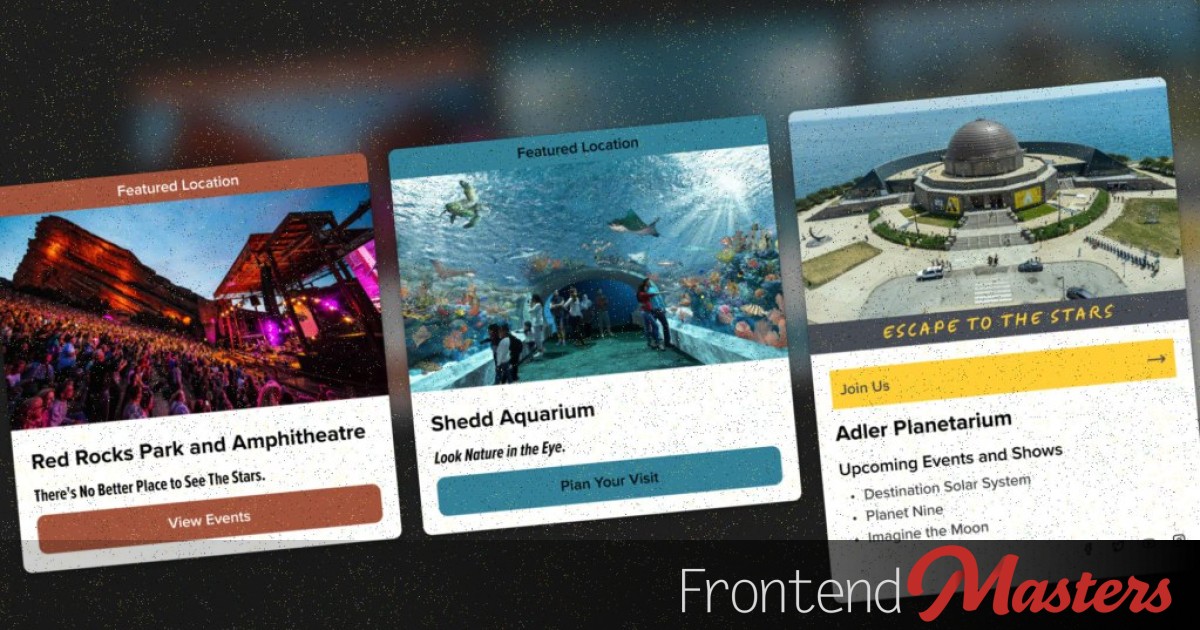
Exploring a Card component made hyper flexible though use of easily changeable custom properties, props, and slots.

There was a quick surge of people re-creating liquid glass in the browser shortly after Apple’s debut of the aesthetic. Now that it’s settled in a bit, there have been some slower more detailed studies.

In JavaScript, you can detect a view transition happening, set a type, and have CSS do unique things based on that type.

Matt Smith with wonderfully straightforward writing on why default parameters for functions are a good idea. I like the tip where you can still do it with an object-style param.

There are no browser implementations of mixins yet, nor a fleshed out spec. So perhaps now is the best time to try to understand and opine.

Maybe you're the person to write them?
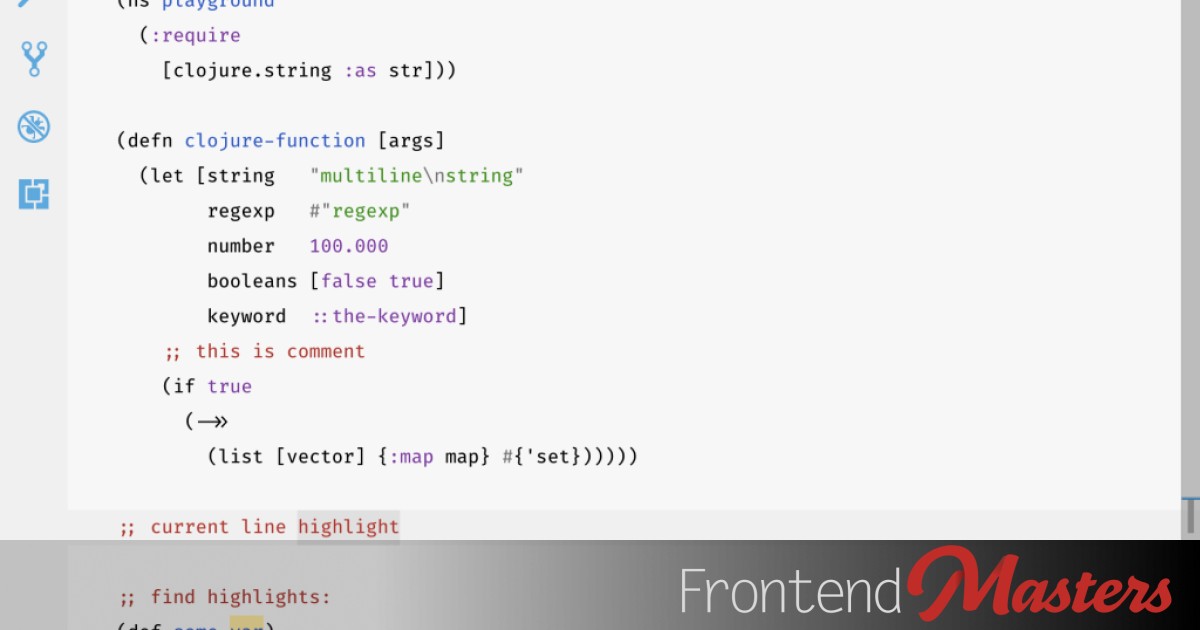
Nikita Prokopov in I am sorry, but everyone is getting syntax highlighting wrong: … if everything is highlighted, nothing stands out. Your eye adapts and considers it a new norm: everything is bright and shiny, and instead of getting separated, it all blends together. I think there are some strong points made here. But 😬 […]

Banger page from the Chrome DevRel team showcasing the incredible year CSS had.

What if you could make a card like a 3D portal, with layers of depth? You probably should just click to see, it's a very compelling look.

It maintains space for where a scrollbar would be, whether there actually is one or not. But do you always want that?

I recently came across this CodePen demo by Vivi Tseng, which creates the blur extension effect by placing a square div with a blur() beneath the img element and I couldn’t help but think a simpler solution should be possible with a single img element and minimal CSS. So let’s first take a look at […]
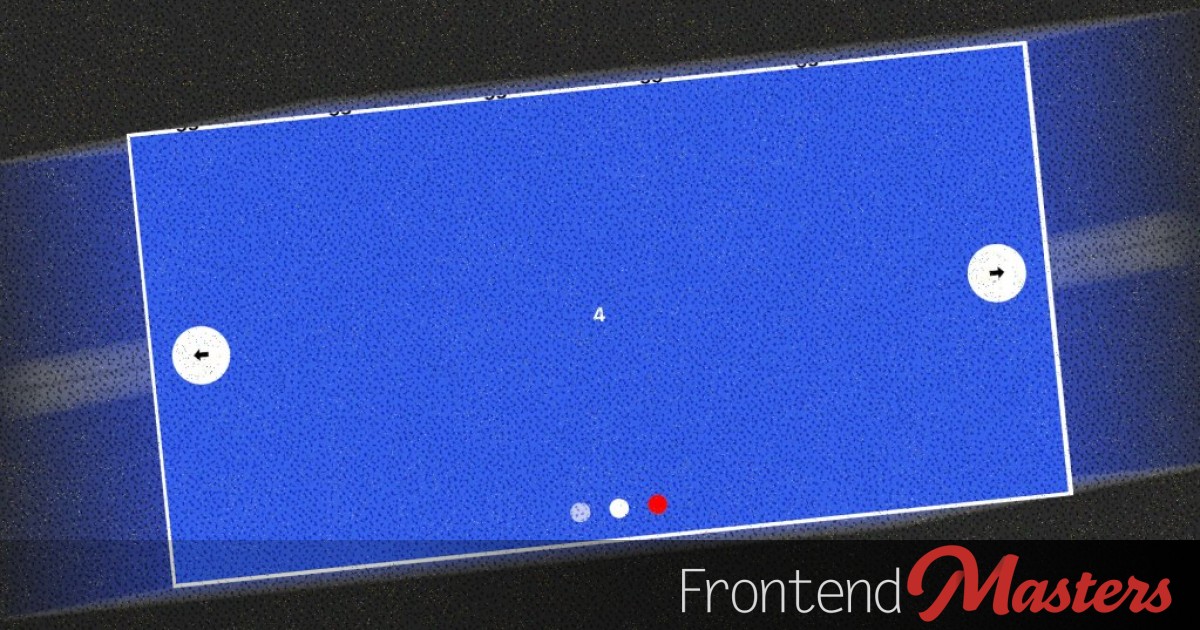
It's already quite impressive you can build a carousel with no JS at all (in Chrome, for now, anyway) and with some checkbox-hack stuff we can control dynamically what is shown.

I think it’s cool our industry has these high quality documentaries documenting the stories behind some of the transformative tech in what we do. The Vite one just came out about a month ago. What would you pick if you could pick the next one? I wouldn’t mind hearing about early-days AWS or Docker. Maybe […]

Dan Abramov has an interesting article How to Fix Any Bug where he’s having Claude write the code, but a bug shows up he needs to fix. Claude just isn’t getting it and it keeps saying it’s fixed when it isn’t (classic). Claude was repeatedly wrong because it didn’t have a repro. Meaning Claude couldn’t see […]

Just a simple link tag in HTML can point to an online wallet to take payments, and a JavaScript API to react to them. But it's (still) early days.
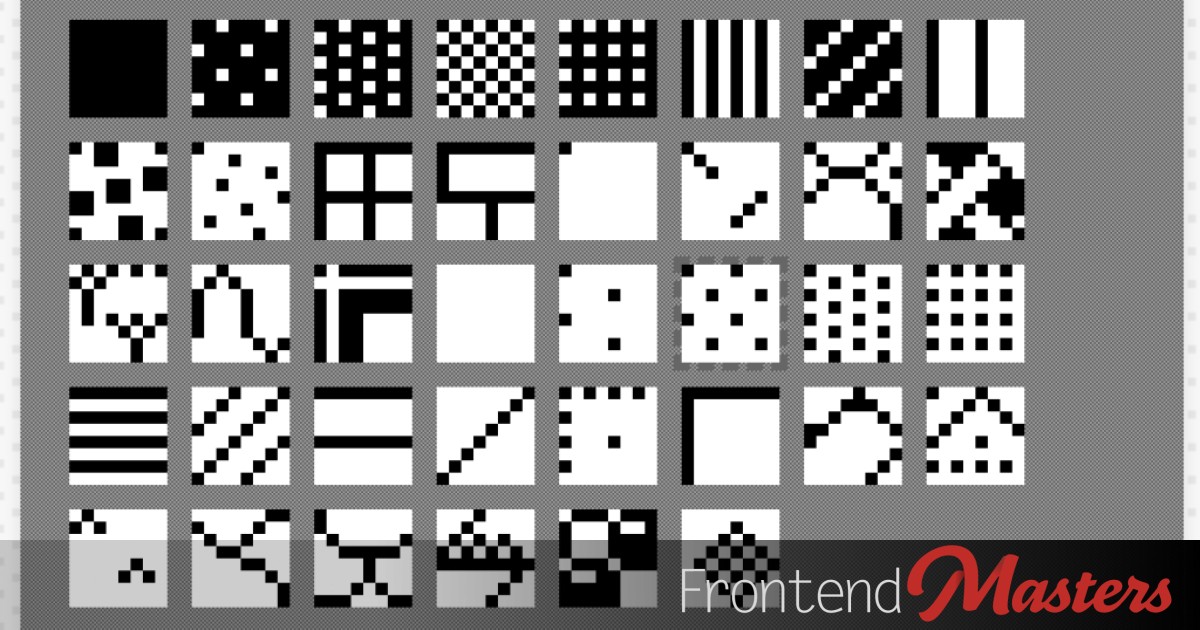
Paul Smith made these Classic Mac OS System 1 Patterns, which are super tiny (in size) graphics that work with background-repeat to make old school “textures”. They have an awfully nostalgic look for me, but they are so simple I can see them being useful in modern designs as well.

Repeat the same content over and over on top of each other, and you can move each of them just a smidge in 3D space creating the illusion of shape.
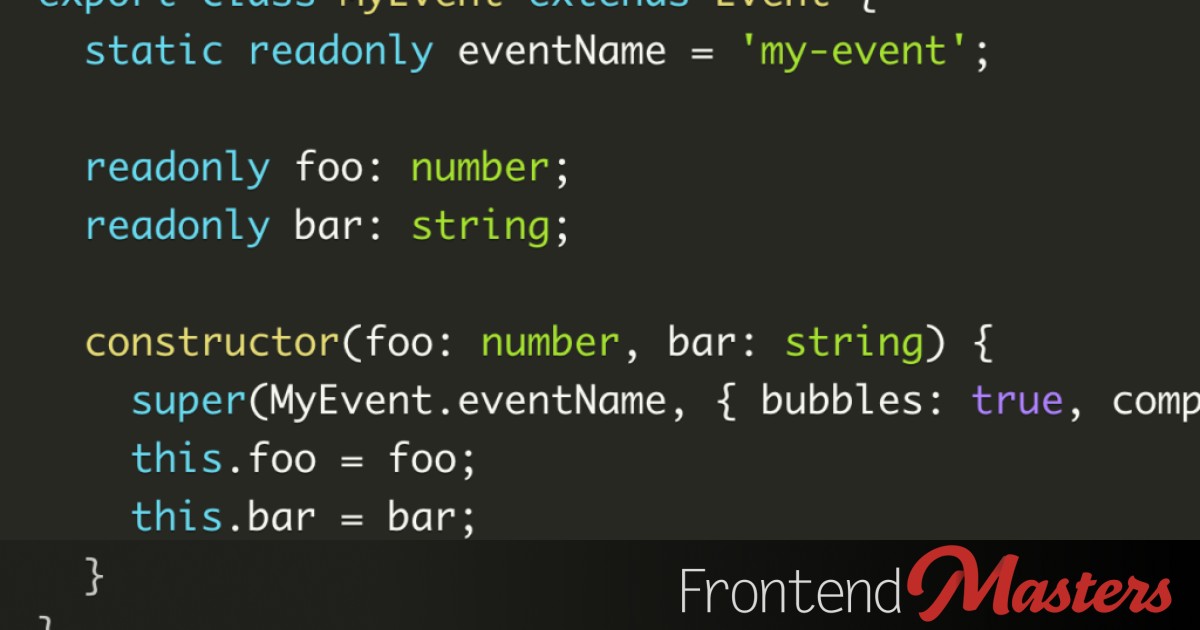
A satisfying little rant from Justin Fagnani: Stop Using CustomEvent. One point is that you’re forcing the consumer of the event to know that it’s custom and you have to get data out of the details property. Instead, you can subclass Event with new properties and the consumer of that event can pull that data […]

There is quite a bit of interesting design possibility with `random()` coming to CSS. It pairs nicely with animation, particularly animation-composition for agumenting those generated values.
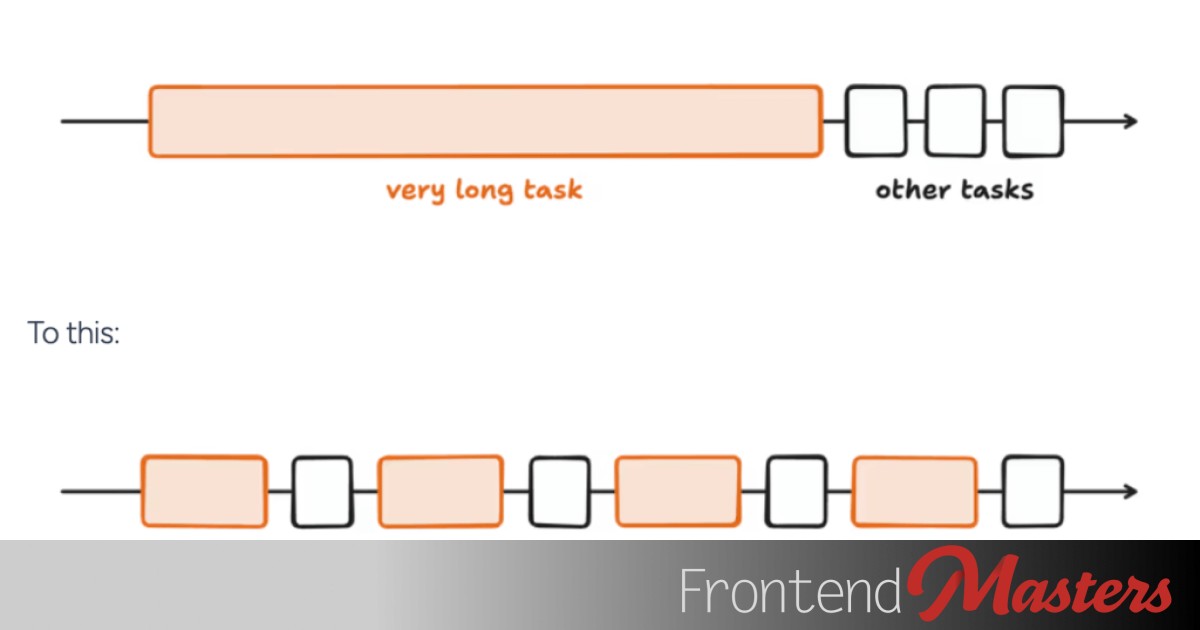
Alex MacArthur shows us there are a lot of ways to break up long tasks in JavaScript. Seven ways, in this post. That’s a senior developer thing: knowing there are lots of different ways to do things all with different trade-offs. Depending on what you need to do, you can hone in on a solution.
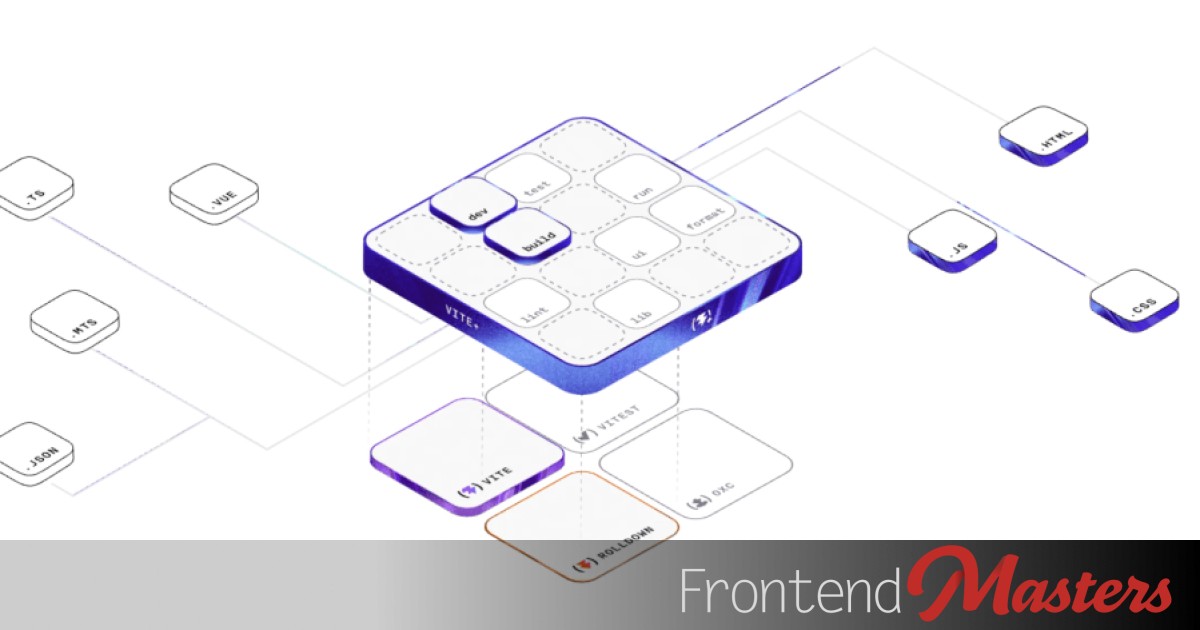
Probably worth keeping an eye on Vite+ (still in “early access”). They say it’s “everything you’ve been duct-taping together” which feels actually kinda fair when you consider this has “dev, build, test, lint, format, monorepo caching & more in a single dependency.” So even if you’re using Vite anyway, perhaps you’d get to ditch Jest […]
I saw Tony Conway & Jeremy Wagner’s post on web.dev, Use Baseline with Browserslist, and I had a little play with it myself (saved live stream). Allow me to write down what I know and what I learned. So here’s Browserslist. Browserslist is the developer community at it’s best. There are a bunch of tools […]

Code is ephemeral. What works right now might get deleted next month. That is no judgement on the code, it is a statement that code isn’t the value prop, the product is. I try and remember this during code review, because even though we call it code review, there is a person at the other […]

With our foundation in positioning and flipping tooltips with anchors, and making pointer tails, we're going to get extra tricky and point them diagonally.

The new CSS sibling-index() (and -count()) functions are perfect for staggered timing affects. This goes a little step further staggering both before and after a selected element.
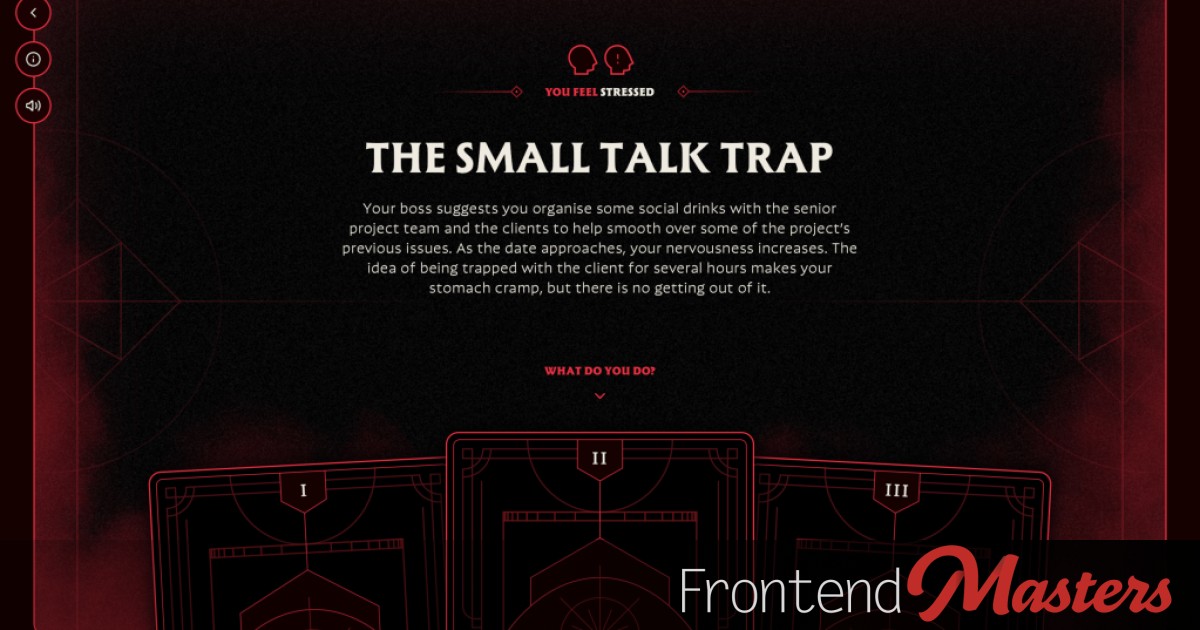
The Scope Creep: Pretty fun(ny) Choose Your Own Adventure style game Assume the role of a humble project manager, tasked with delivering a website brief for one of your agency’s clients. Unbeknownst to you, the project is cursed by a dark force determined to infinitely extend the job, and send you into a delirious state […]
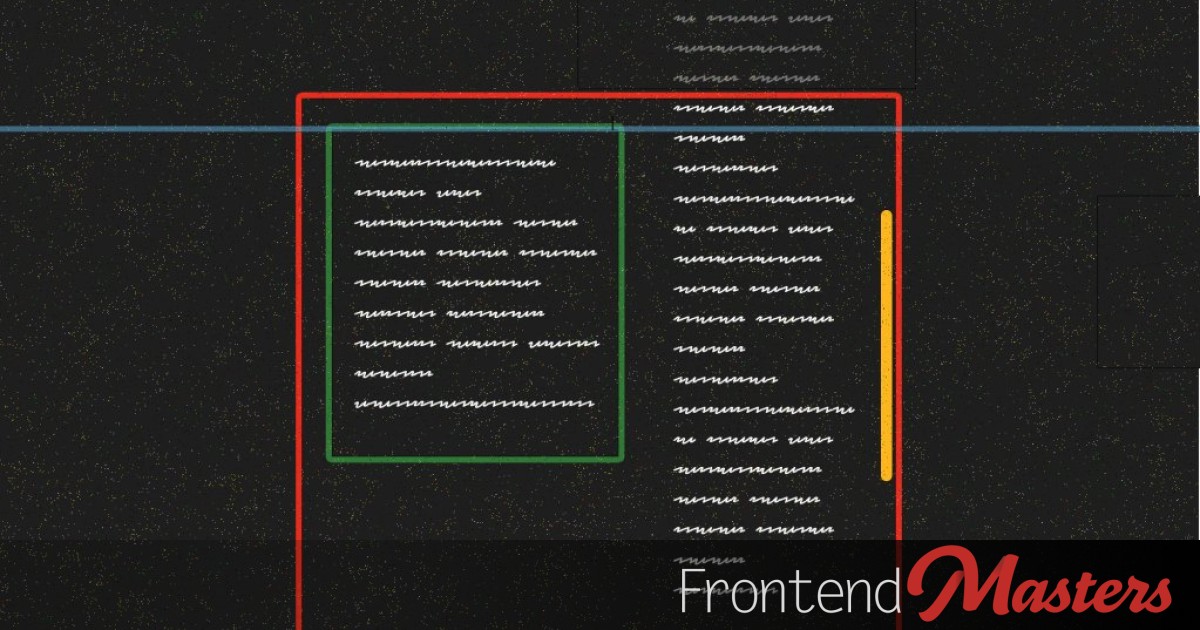
There are a number of things that can rain on your sticky parade. Maybe it's time to actually understand why.

When people complain about Photoshop or other various Adobe products and the subscription model they require (The Onion had a good one), people tend to reply with two options: But now, Affinity is free (and all the varieties combined into one app). You can thank the Canva acquisition for that. You might think that would […]
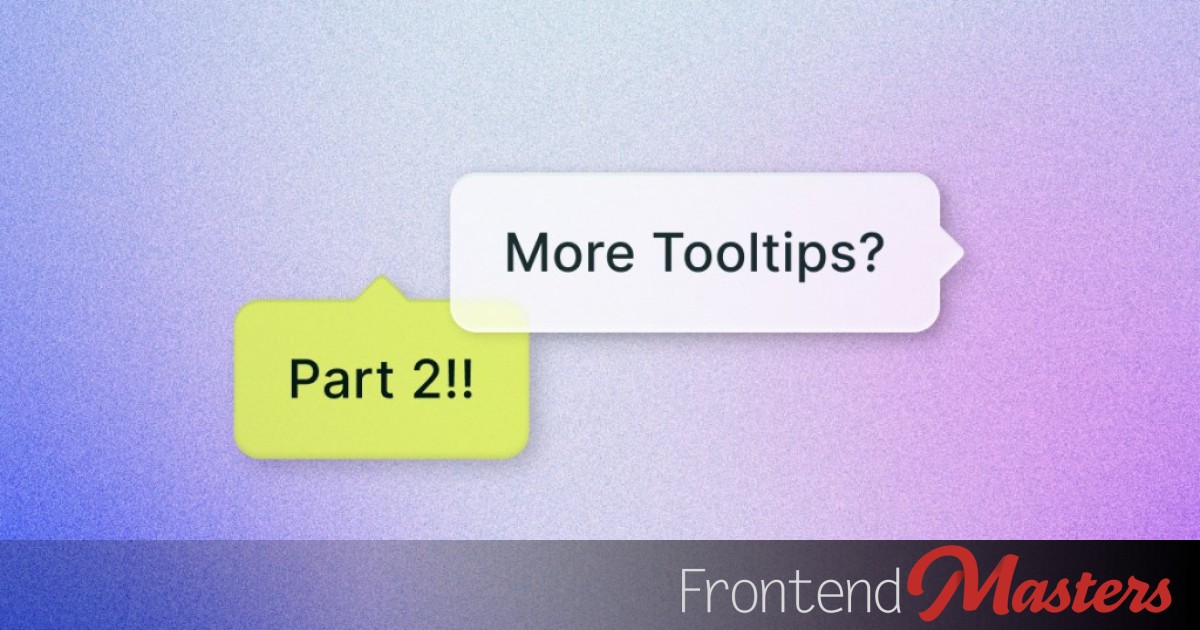
Tooltips are a natural fit for the abilities of Anchor Positioning, which can help place them on *any* side or corner. It does make dealing with the pointer extra tricky though.

Having a width-limited centered column of content is common and good, but what do you do when you need to break out? It's not hard these days, but it does depend on the situation.
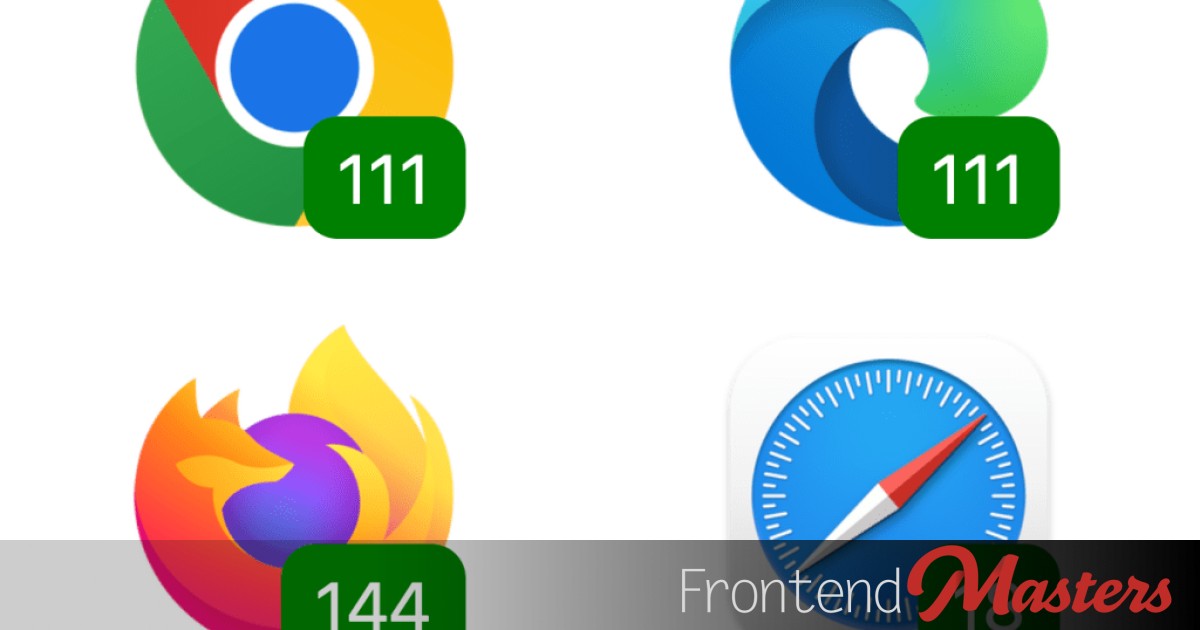
It’s a generally good thing to know that browser support for browser features isn’t always quite a simple as yes or no. There can be sub-features involved as things evolve that roll out in browsers at different times. View Transitions is an example of that going on right now. There are “Same-Document View Transitions” supported […]

Alex Riviere shares a quick story of a junior developer not looking in the right places for error messaging that would directly help them. … the tools do provide you with information most of the time. You genuinely just need to take a few extra seconds and read what it is saying.

The Anchor Positioning API in CSS is very powerful. This is the beginning of a series where we understand it through the perfect use-case: tooltips.

I’m no expert here, but I understand an “MCP server” as a way to make an AI system a bit “smarter” by having more context and capabilities. I find AI coding agents pretty darn smart already particularly when they have your entire codebase and your instruction for context. But if you’re using it to build […]

TanStack Start is one of the most exciting full-stack web development frameworks I’ve seen. I’ve written about it before. In essence, TanStack Start takes TanStack Router, a superb, strongly-typed client-side JavaScript framework, and adds server-side support. This serves two purposes: it gives you a place to execute server-side code, like database access; and it enables […]

I’m just hearing about the closedby=

In A Progressive Enhancement Challenge, I laid out a situation where the hardest thing to do is show a button you never want to show at all if the JavaScript loads and executes properly. I wrote of this state: It seems like the ideal behavior would be “hide the interactive element for a brief period, […]

When you've got two buttons with two different looks (and no cursor), how do you know which one you're about to activate? You'll need to be careful with the design.

All sorts of inputs have little microphone buttons within them that you can press to talk instead of type. Honestly, I worry my daughter will never learn to type because of them. But I get it from a UX perspective, it’s convenient. We can put those in our web apps, too. Pamela Fox has an […]

Should have done 150.

I liked this bit of JavaScript trivia from Cassidy Williams. There is a clear answer, and it’s something worth making sure you understand before heading into a job interview that involves JavaScript.

Will Mendes has a bit of CSS to highlight accessibility issues on HTML elements. Things like missing alt text and labels that aren’t linked properly to inputs. If you want to try it out quick on a website, I wrapped it in a little injection JavaScript so you could paste it in the console wherever. […]
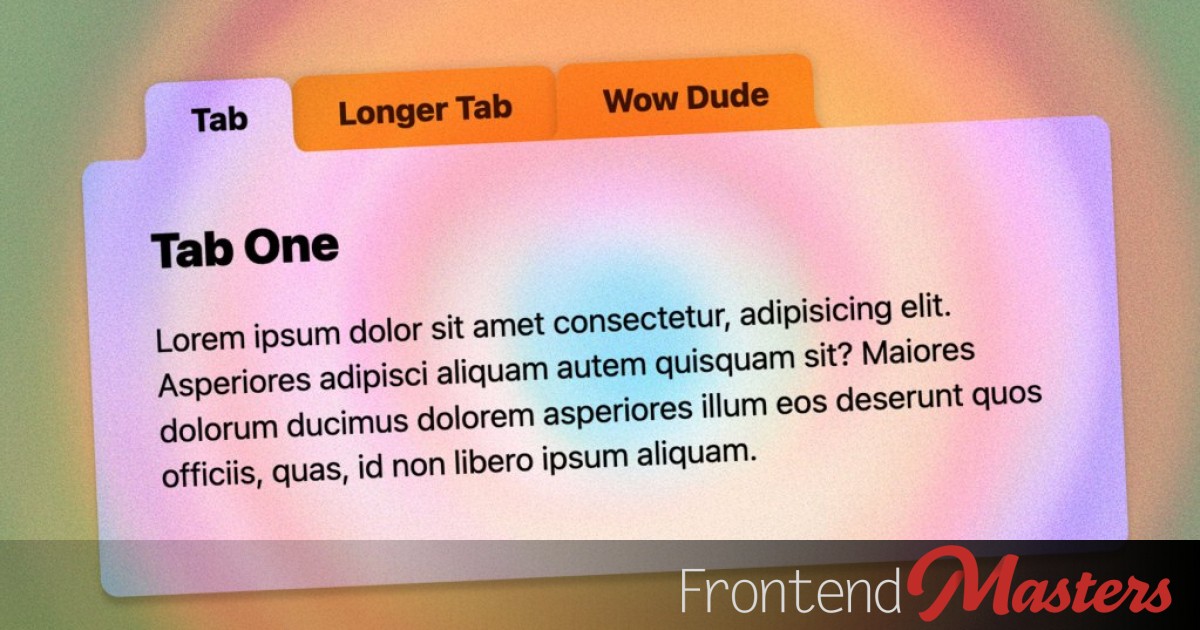
We can use `shape()` to carve away the edges of an element to look like a folder tab. By hand.

CSS has counter variables (based on matching selectors) that you can output as formatted content or use in calculations.

With view() style scroll-driven animations, it's helpful to think about how you want it to work then tweak the ranges toward that goal.
Adam Argyle is a talented developer who recently was on the job hunt and landed a new role. He’s got a lot to say about how that process went and certainly some good tips for any of y’all in that same position.
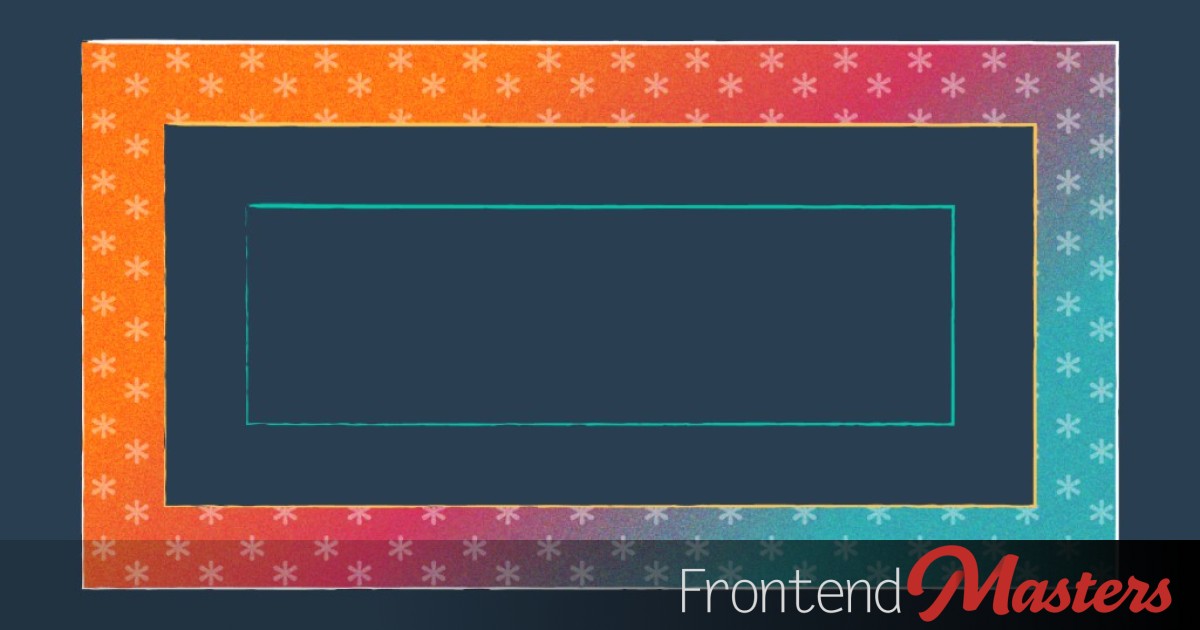
Andy Bell has a poke at my new starter. Fair game, as I literally did the same to him. I like what Andy has to say about my full-width form fields: I agree with Chris on filling the inline space with form fields too. If you want to do a split layout for forms, the […]

You want to hide an interactive element that you don't need anymore after JavaScript loads/runs. Can you do it without a


Inset `box-shadow` doesn't work directly on . There are work-arounds, but this SVG filter can do it directly. Don't run! There is powerful stuff to learn here through interactive demos.

Artem Zakharchenko: A great “aha” moment for me was when I realized you can use a single signal to remove multiple event listeners!

There are a ton more @media queries than

I admit I’ve never once used a Git Worktree. But Nick Taylor has a pretty good intro that compels me. (Nick credits bashbunni for her own intro). Git worktrees let you check out multiple branches from the same repository simultaneously, each in its own working directory. Instead of constantly switching between branches with git checkout, you […]

One of the dev jobs out there is DevRel or “Developer Relations”. A role like that is very likely going to involve teaching and helping people learn a products API. And, if the company has one, SDK’s around that API. Can you articulate the difference between them? At a minimum, that would be good to […]
A fairly opinionated CSS starter by Chris, following a set of personal principals to guide what is in there and what isn't.

Another good one from Nicholas C. Zakas this time on code portability. Here’s some choices he made for a recent projects: Portability indeed!

If you thought 2024 was packed with amazing new CSS, well, you're right. But so is 2025 and it keeps looking bright. Check out our list of the best stuff with easy-to-reference examples.
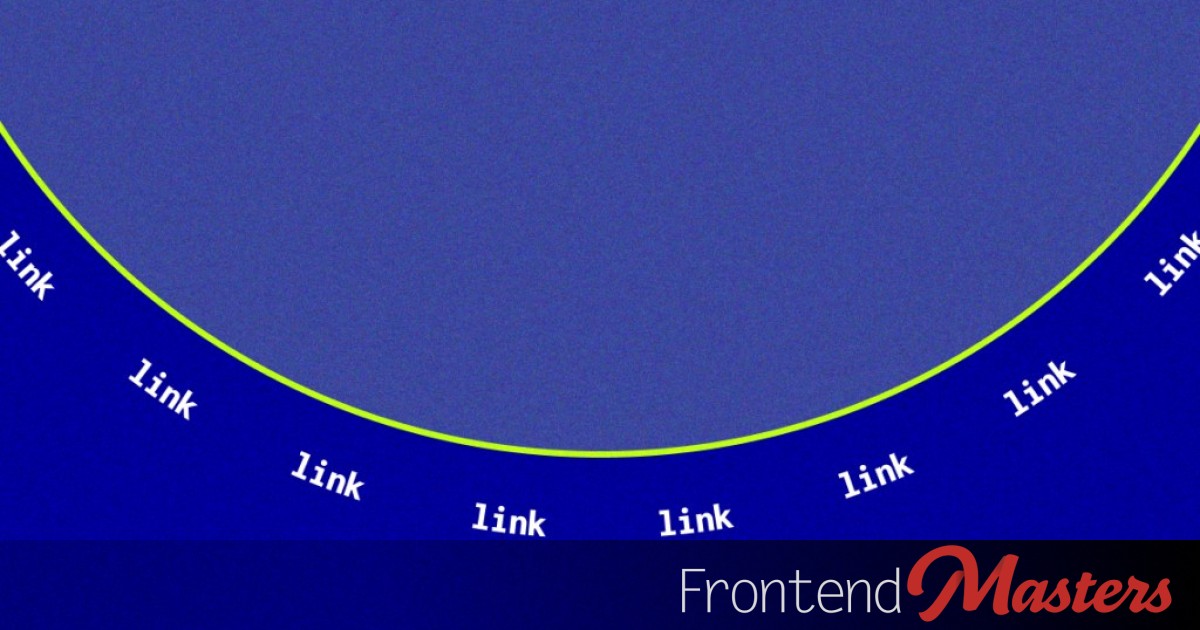
The article explains how to design and animate a *circular* menu (that rotates in a circle!) in CSS using offset and animation-composition.

Nice reminder about JavaScript evolving to be more useful from Trevor I. Lasn: The final line there uses what is called the “The nullish coalescing assignment operator assignment operator” in case you need to impress people at parties.

You can animate an .svg and it will play even with an `` or `background-image`, making it a viable GIF replacement if you can pull it off!

There are usually multiple ways to do the same thing on the web. Sometimes... a lot of ways. Which is
One of the nice things about Markdown is that you can just… put HTML in there too. There is no Markdown shortcut for a <div>, but you can just use a <div>. That means you can use use <my-custom-element> as well, bringing the world of Web Components into your writing and creating of content. Deane […]

Cursor has an

Raymond Camden: It’s been a little while since I last blogged about my favorite web platform feature, Intl. Favorite?! Big words. As someone who does technical writing, though, I get it. Let’s say you have a number, like 392, and you need to display that as megabytes. What is the absolutely correct way to show […]

Cursor is an AI-focused VS Code fork. Here's Steve Kinney with a nice overview of what it offers and how to start getting help out of it right away.

Nicholas C. Zakas: I’m confident that going forward, software engineers will need to relearn how to create detailed tech specs for complex changes. It’s also likely that AI will help write and review these specs before implementing them. It’s time to embrace tech specs again because they can be a key to advancing your career. […]

Postgres creates an execution plan for how to retrieve the data you're asking for in a query. The execution plan is based in part on statistics from your data and indexes it has available. Just the right index and a bit of query tuning can have a huge payoff in performance gains that your users will notice.
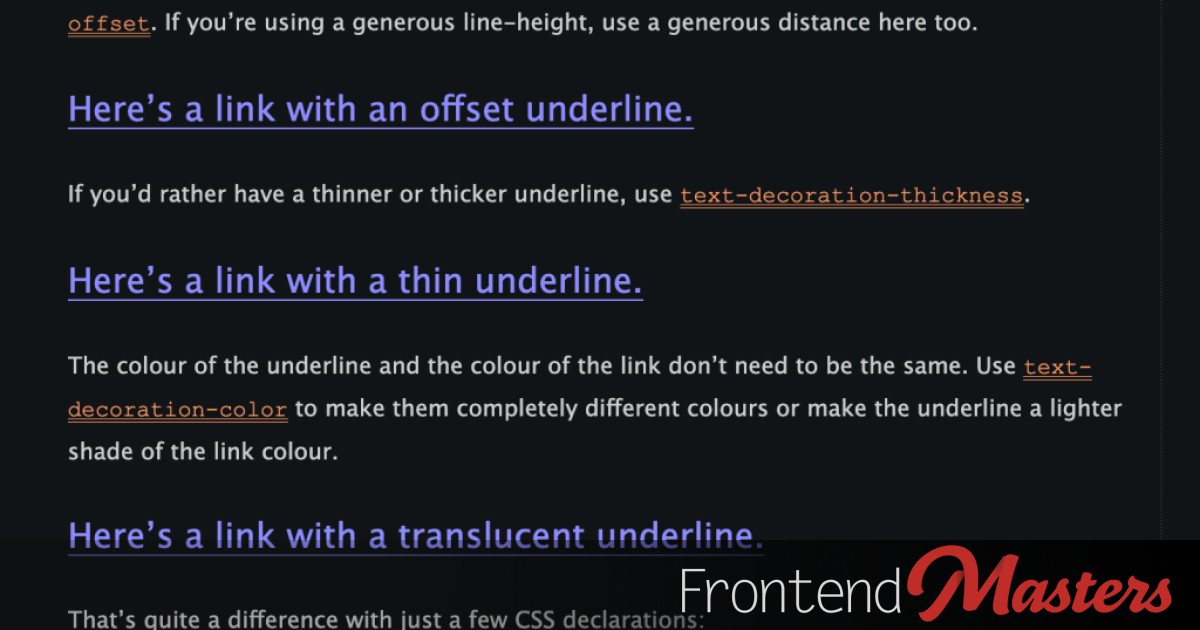
Jeremy Keith: We shouldn’t rely on colour alone to indicate that something is interactive. Then goes on to show how links should be underlined, but that the default underline can be a little intense, and essentially shows how to chill them out. Exactly like we showed! I still think it’s a great balance.

This Part 1 (of a 2-part series) is a practical, hands-on, applicable approach to database indexes. We’ll cover what B Trees are with a focus on deeply understanding, and internalizing how they store data on disk, and how your database uses them to speed up queries. This will set us up nicely for part 2, […]

This time we're looking at offset-path (and friends), which can be used to create movement when animated and benefits from all the same fancy functions that we learned about with clip-path.

この記事では、CSSのトランジションに関するパフォーマンス問題について説明されています。特に、Reactのウェブサイトで見られる「ジャンク」現象の原因とその解決方法が取り上げられています。トランジションの使用がパフォーマンスに与える影響を理解し、どのようにしてそれを改善できるかを学ぶことが重要です。また、CSSを学ぶためのコースも提供されていることが紹介されています。 • CSSトランジションによるパフォーマンス問題が存在する • Reactのウェブサイトでの具体的なジャンク現象の例 • トランジションの使用がパフォーマンスに与える影響を理解することが重要 • 問題の原因を特定し、改善策を講じる方法が提案されている • CSS学習のためのコースが提供されている

A deep dive into `clip-path` from Amit Sheen, a very powerful tool in shape creation on the web, particularly now with `shape()`.
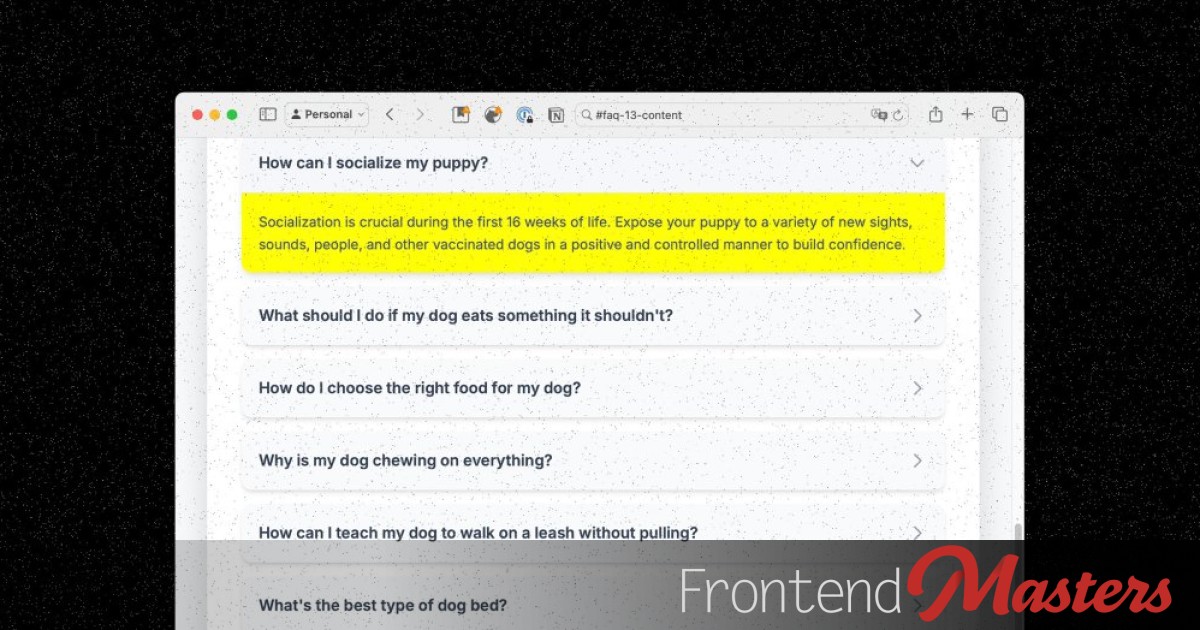
If the #hash in the URL matches the ID of an element *inside* a element, it'll open. No other fancy code required.

(Only Safari Technical Preview!) Awfully cool `random()` is coming in CSS. The design possibilities are quite cool.

All the browsers DevTools have a way of emulating color modes. The are essentially faking the system preference at the application level. Here's where those controls are located and another nice tool.

I feel like most usage of global CSS custom property use has the author putting them into a :root selector like: This is just a PSA that you… don’t have to. It’s not required. It has nothing to do with custom properties. It’s just a selector. It happens to select the html element on a […]

An underdog media query, resolution queries, comes to the rescue here in defining radial gradients that don't blur or get the jaggies.

If you know a bit about the popover API in HTML, you might know it’s basically 1) click a button 2) toggle visibility of another element. Una has a great article explaining that there is a bit more to it. First, there are actually three kinds of popovers. There is the normal kind, which close […]

The web platform has a heaping helping of more design capability built into it than any design software does.

Mingcuteは、オープンソースのアイコンライブラリで、可愛らしいデザインのアイコンを多数提供しています。特にFigmaプラグインが優れており、Iconifyを通じて任意のウェブプロジェクトで使用可能です。記事では、SVGとアニメーションに関する深い学びを提供するコースも紹介されており、Sarah DrasnerがCSSとSVGアニメーションの可能性やツールを実践的に解説しています。Frontend Mastersは、オープンソースプロジェクトや非営利団体への寄付も行っています。 • Mingcuteはオープンソースのアイコンライブラリである。 • 可愛らしいデザインのアイコンが豊富に揃っている。 • Figmaプラグインが非常に優れている。 • Iconifyを使用して任意のウェブプロジェクトでアイコンを利用できる。 • SVGとアニメーションに関するコースが提供されている。 • Sarah DrasnerがCSSとSVGアニメーションの実践的な解説を行っている。 • Frontend Mastersはオープンソースプロジェクトや非営利団体に寄付を行っている。

Did you know you can do height: stretch now in CSS? Works for width too. Dave Rupert The other day [Dave] shared a link to the new stretch keyword in CSS – and I saw a lot of questions about how it’s different from 100% (or 100vh when doing full-screen layouts). So I made a quick […]

CSS module scripts help keep the dream of co-locating files that all relate to a component, without needing a bundler.

To horizontally center an element and limit it’s width, this is easily the most common approach: That could still touch the edges of a parent container though, so if need to enforce some spacing, we’d probably do that on a parent. There is no real problem with that, but we can smash it all into […]
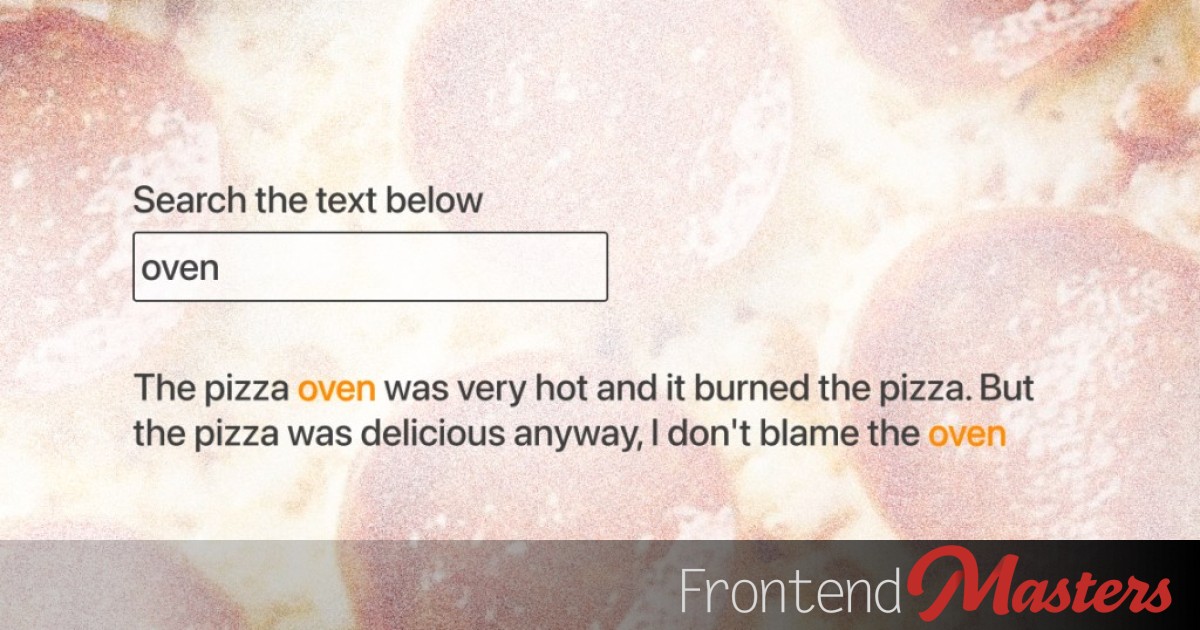
You can get your hands on ranges of text in JavaScript, then apply a named
この記事では、CSSのグリッドレイアウトにおけるauto-fitおよびauto-fillカラムの数を取得する方法について説明しています。特に、特定の行や列を強調表示したり、レスポンシブな非矩形グリッドを作成したりする際に役立ちます。CSSのコンテナクエリユニット、CSS変数、数学関数を使用して、ブレークポイントなしでこれを実現する方法が紹介されています。具体的には、.gridクラスを持つ要素に対して、auto-fitまたはauto-fillを使用してカラムを設定し、Safariのバグに対処するための代替手段も提案されています。最終的に、カラム数を計算するためのCSSコードも示されており、サポートされていないブラウザでの動作についても言及されています。 • CSSのグリッドレイアウトでauto-fit/auto-fillカラムの数を取得する方法を解説 • 特定の行や列を強調表示するための技術 • レスポンシブな非矩形グリッドの作成が可能 • CSSのコンテナクエリユニットと数学関数を使用 • Safariのバグに対処するための代替手段を提案 • カラム数を計算するための具体的なCSSコードを示す • サポートされていないブラウザでの動作についての注意点

This is like one of those weirdly difficult quizzes about CSS. If you’ve got a <p> element sitting there in a totally normal basic HTML layout, then this CSS: What color does the <p> render as? It’s blue. You might think it’s green, as the value blah is an invalid color. If the CSS had… […]

A row of logos that animate forever perfectly and don't have any duplicated HTML or JavaScript at all is quite a trick. Thanks modern CSS!

A silly debate that rages just as hard as “tabs vs spaces” is “semicolons or not” in JavaScript. Generally, the answer is “use an automatic formatting tool so you don’t have to think about it”. But if you happen to be on the “no semicolons” side, it’s interesting to note that it can cause confusing […]

Best bet: just always use them. More nuanced take: there is a few situations where using the physical property is still releavant.

It's a complicated look! There may or may not be blurring, light refracts in tricky ways, the highlights are quite bright, and you've got to be very careful about text contrast accessibility.

When you’re doing a design prototype, it’s common to use the actual fonts the design will use, but use “lorem ipsum” text. The idea being to not distract anyone with real words when they are supposed to be looking at the design. Or you just don’t have any real text to work with at that […]

When an image isn't

Very interesting (2 hour!) conference talk from Casey Muratori that is quite a deep historical dive into Object-Oriented Programming. Some of it went over my head, but it was still a fun watch. It’s great to think about where we draw boundaries in software development, and in this case, looking at the difference between drawing […]

Zustand is a minimal, but fun and effective state management library which just may improve your render performance.
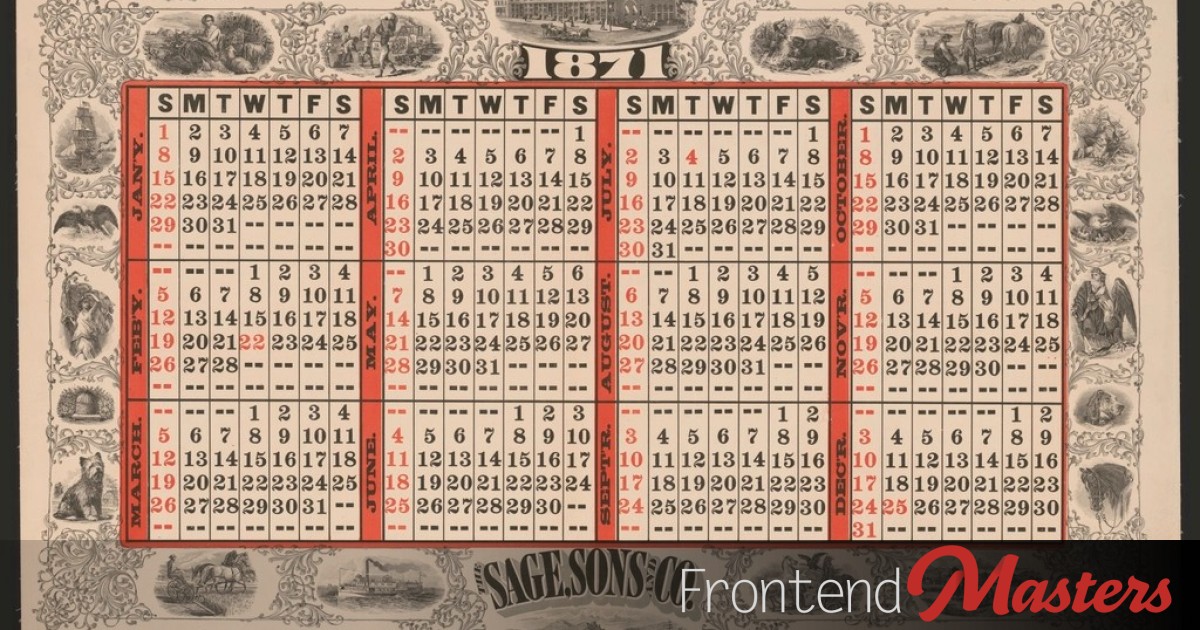
この記事では、JavaScriptのDateパーサーに関するクイズが紹介されています。クイズは非常に簡単で、高得点を獲得できる内容となっています。クイズのリンクはjsdate.wtfで、著者はSam Roseです。また、Frontend Mastersが提供するJavaScriptの学習パスについても言及されており、優れた講師陣から学ぶことができるとされています。さらに、7日間の無料トライアルが提供されていることも記載されています。 • JavaScriptのDateパーサーに関するクイズがある • クイズは簡単で高得点が狙える • クイズのリンクはjsdate.wtf • Frontend MastersがJavaScriptの学習パスを提供 • 優れた講師陣から学べる • 7日間の無料トライアルが利用可能

A single button, but it has two different behaviors in JavaScript depending on how far you’ve scrolled in an element (as determined by CSS!)

A look at what happens when you add a whole list of transforms to an element, and how that interacts with `animation-composition`.

A little reminder from Matt Smith that getting the last item in an Array is easier now:
The last part of this series is taking our site that we've got in GitHub and addng an Astro build process to it, then mapping a domain we own to the Netlify-hosted site.

Josh Comeau does a great job with beginner-friendly explanations of important concepts, and Promises From The Ground Up is no exception. In a nutshell, we have Promises because we need callbacks. We need callbacks because JavaScript is single-threaded and can’t wait around for things. And so we dance. These days, you’ll see more async and […]

It's pretty straightforward to animate list items into new positions, but there is a few tricks when the specific one you've chosen to move needs a *different* transition.

I know that you can “chain” the CSS property filter, like: All three of those filters will apply. But somehow I never thought about applying the same filter more than once. That also works, and they don’t override each other, they “stack” (or whatever you want to call it). So here’s some useless bar trivia […]


The `satisfies` keyword allows you to assert that a certain value
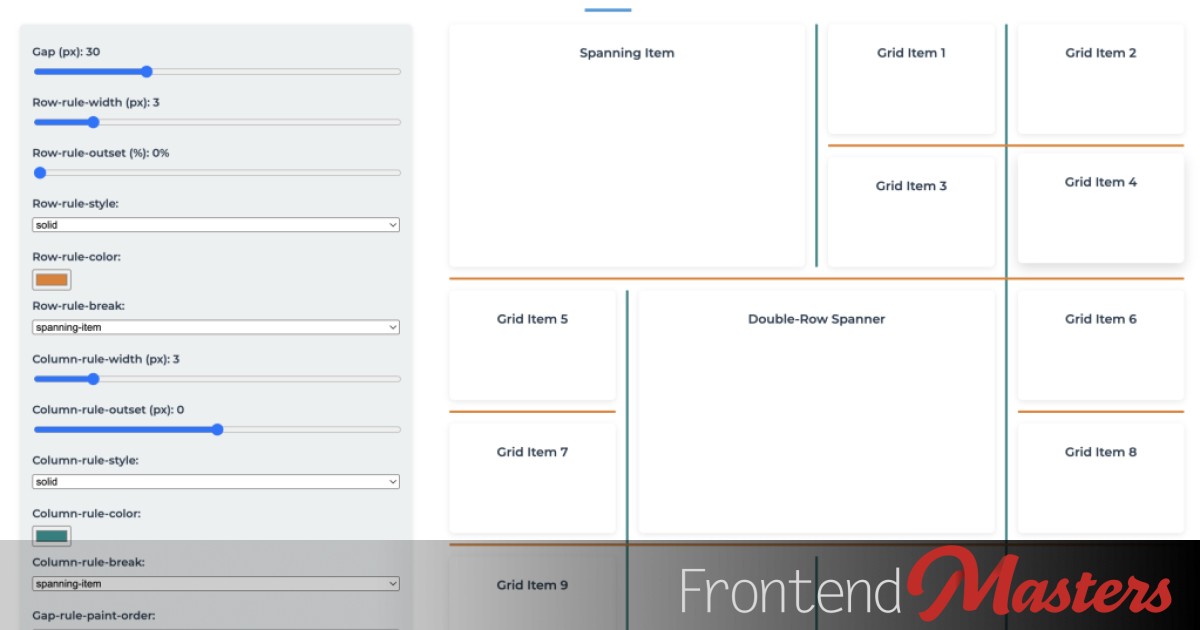
Microsoft is working on “gap decorations” and have put together a nice playground to explore them, and I had a play. The idea is drawing lines where gaps would be, rather than empty space. It’s really quite well done with lots of control (do they hit the edges or stop short? do they overlap or […]

You've got A LOT of control over the design of select menus now, and it can be done as a progressive enhancement.

A deep dive into producing an interpolated

Feels notable that Iterator helpers have become Baseline Newly available. The gist is that you can map and filter on stuff that was annoying or impossible to before. I’ll copy Jeremy Wagner’s example:

:has() makes quantities queries both easier and more powerful. We can alter how a grid is laid out and where the children go. Or, we can just blast it into a carousel.

I thought Ashley Willis did an excellent job explaining the role in What Is Developer Advocacy? (2025 Edition). We’re still here to serve developers. And we’re still doing the messy, meaningful work of bridging the gap between what a company thinks developers want and what developers actually need. I liked the perspective that it’s actually better for […]
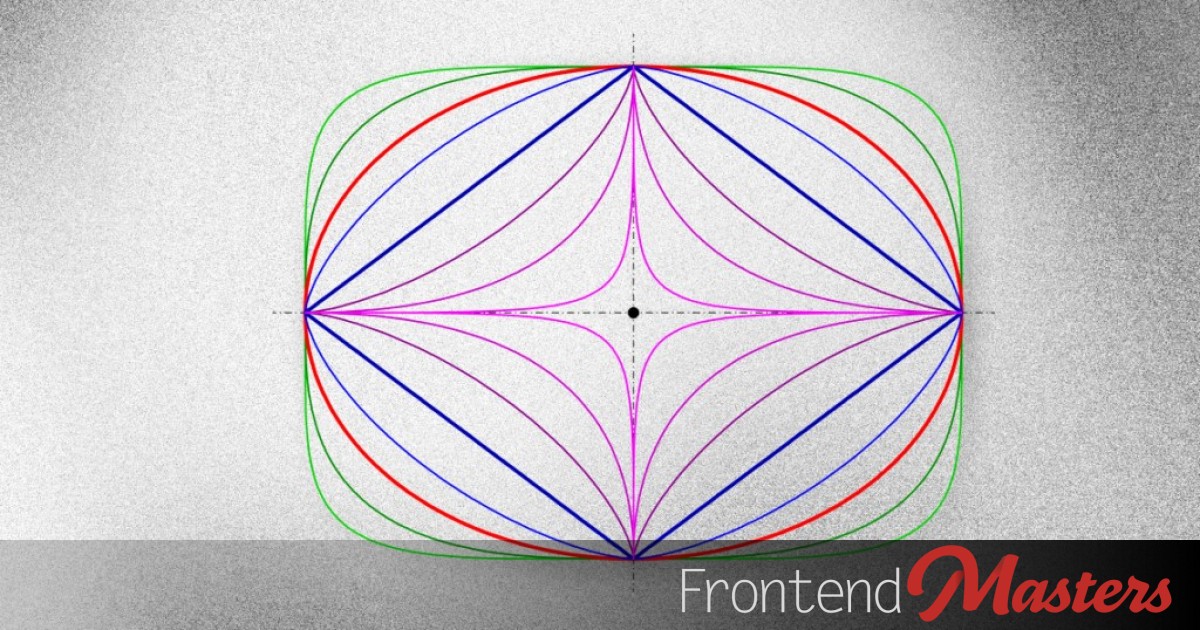
The CSS corner-shape property (very new! only in Chrome Canary!) is useful in basic use cases, for advanced shape making, and the superellipse() function is *extra* powerful.

I was trying to play with CSS Module Scripts the other day, which are a way to import CSS as a constructable stylesheet using the ESModules syntax. They are Chrome-only so not really something we can generally use (unless you’re building an Electron app or something), but I really like the idea of being able […]

After you've got a `border-radius`, you can control the shape of the corner with `corner-shape`, which unlocks a simpler and more powerful way to make shapes compared to `clip-path()`.

We've got @scope in CSS now, and it's got it's uses. But the concept of scope in CSS is a wider idea.
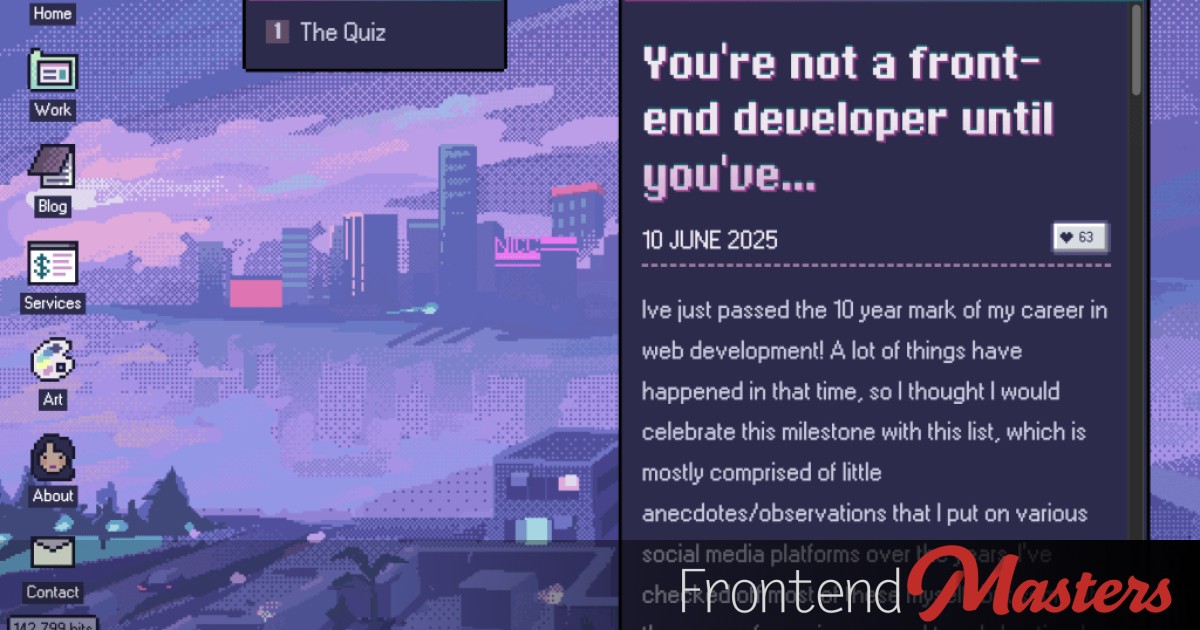
A fun list post from Nic Chan where you check off the funny/sad/proud/weird things we do as front-end developers. I don’t know if a higher score is better, but it certainly means you’ve been around the block. I doubt you’ll be able to resist poking around Nic’s site, it’s really fun.
This is about reducing banding effects in gradients by introducing noise. A nice approach is a displacement map using SVG filters.

There was a lot of interest in our Why Can’t HTML Alone Do Includes? article. I’d like to point you to my ShopTalk Show conversation where we really get into things more with Jake Archibald.

There are several different ways to do equal width columns. But some are, uh, more equal than others.

Fun idea from the team at Immich: Cursed knowledge we have learned as a result of building Immich that we wish we never knew. Stuff like: Fetch requests in Cloudflare Workers use http by default, even if you explicitly specify https, which can often cause redirect loops.

scroll-timelines go from 0 to 100. Many variable fonts axis have similar ranges, like 100 to 900. Surely that's begging for interplay.
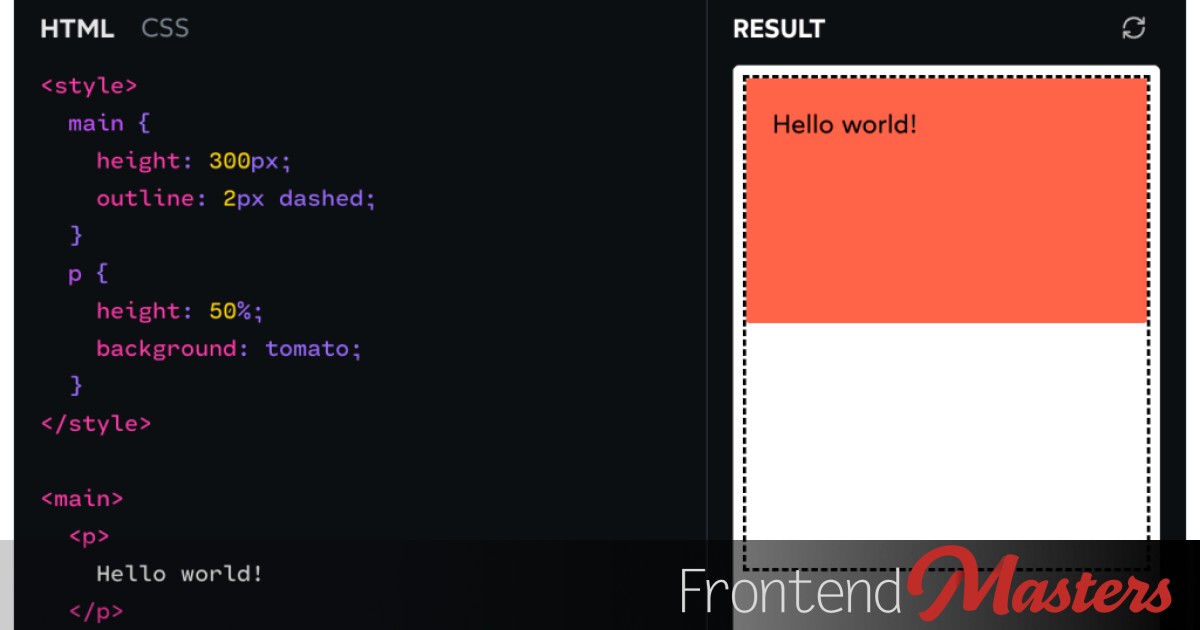
You might as well really understand height and Josh Comeau has your back here. It’s really quite different than width and perhaps less intuitive. Plus when grid and flexbox get involved, things change.

Just a tiny gotcha.
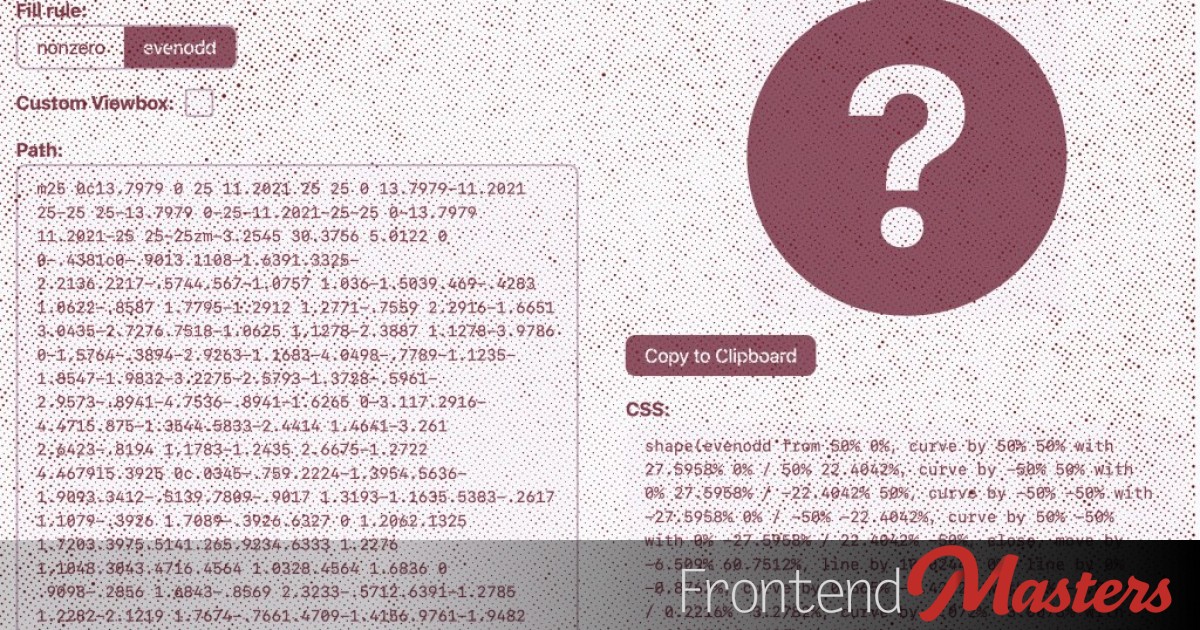
We’ve been trying to make the point around here that the new shape() in CSS is awesome. It’s the powerful <path> in SVG ported to CSS so it can use actual units. It’s probably how path() should have ported to begin with, but c’est la vie. I’ll make the point in this demo. Resize those […]